
Windrose Server Hosting
Host your own Windrose dedicated server with live item delivery from our own mod, GameGridDelivery, Windrose Plus managed for you, a live Sea Chart map, an RCON admin dashboard and instant deployment.



What's Included
- ✓Live item delivery by GameGridDelivery, our own mod: shop purchases and kits at the player's feet
- ✓No restart for a delivery, and an offline buyer gets it on their next session
- ✓Windrose Plus installed on every server and kept updated for you
- ✓Live Sea Chart map with players, creatures and points of interest, drawn once a player has joined
- ✓Public map sharing for your community
- ✓RCON web dashboard over HTTPS with an admin command console
- ✓127 gameplay settings in the control panel (loot, XP, stats, combat)
- ✓Player stats, a POI scanner and a live status JSON for the dashboard and Customer API
- ✓Shop and kits with Discord /buy and /kits, and Discord linking by character name
- ✓Coins for playtime
- ✓Event Manager on the Windrose Plus values
- ✓Command Manager: 25 schedulable RCON commands
- ✓Discord bot with 52 commands, /windrose included, and the Customer API
- ✓Mods from CurseForge and Nexus Mods, plus UE4SS script mods
- ✓Automatic backups every 24 hours, plus file access over FTP and SFTP
- ✓Instant deployment and automatic game updates
- ✓DDoS protection included
Server Details
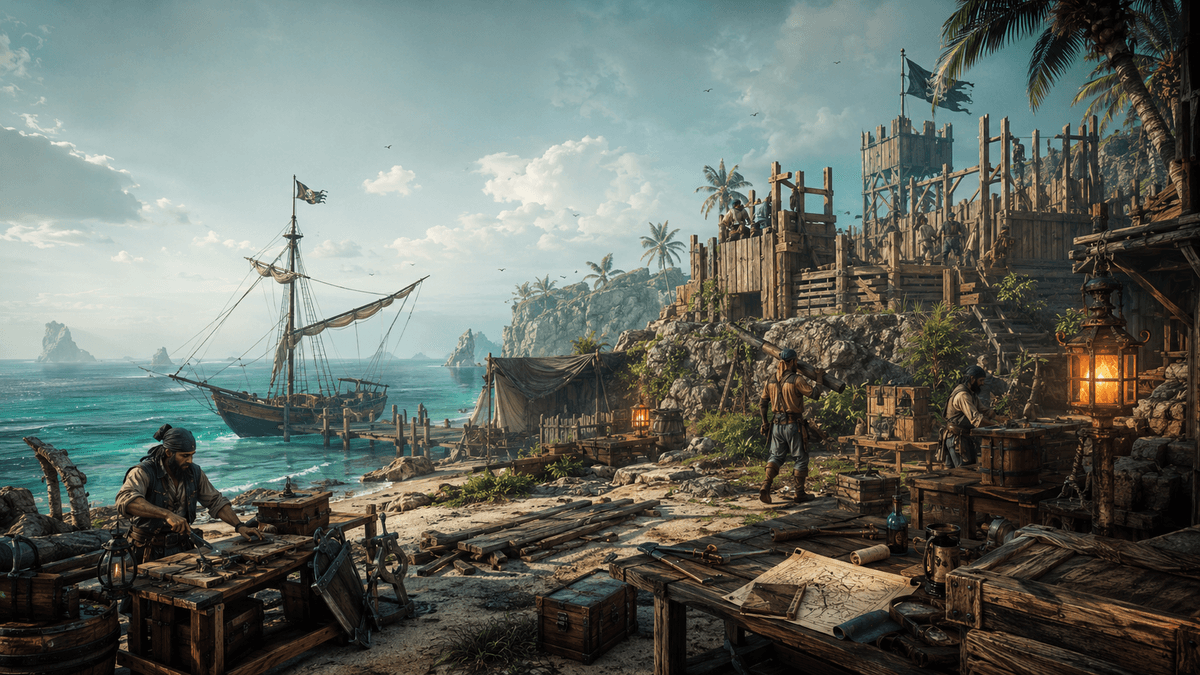
Windrose is a co-op pirate survival adventure set in the Age of Piracy. Build, craft, and sail across a procedural open world filled with islands, dungeons, and naval combat. A GameGrid server is deployed in minutes and run from the control panel, the Discord bot or the Customer API.
Windrose has no way to give a player an item: the game has no give command, Windrose Plus ships none, and its script mods cannot create one. So we wrote our own server mod, GameGridDelivery, in C++. It builds the item through the game's own systems, right at the player's feet, while they play: a shop purchase, or a kit claimed with /kits in Discord, arrives in game with no restart. A player who is offline when they buy gets it on their next session. Windrose keeps each character on the player's own machine, so the item lands at their feet rather than in the backpack.
A Windrose server also has no admin console and no map without Windrose Plus, a free community mod. GameGrid installs it on every Windrose server, keeps it updated and puts its 127 gameplay settings in the panel: loot, XP, stats, combat and more. It brings an RCON web dashboard over HTTPS with an admin command console, player stats, a POI scanner and a live status JSON for the dashboard and the Customer API. Windrose Plus runs on the server, so your players install nothing for it.
The Sea Chart is drawn for you once a player has joined. It shows live player positions and, where Windrose Plus sends them, creatures and points of interest. Share it with your community through a public link.
Players buy from the shop and claim kits with /buy and /kits in Discord, link their Discord account by naming their character, and earn coins for playtime. The Event Manager runs a loot or XP window on the Windrose Plus values and puts them back afterwards, the Command Manager schedules any of 25 RCON commands, and /windrose in Discord reaches Windrose Plus from your community's server.
Mods from CurseForge and Nexus Mods install from the Mods tab, with UE4SS for script mods. Backups run every 24 hours and are stored away from the machine your server runs on, game updates are applied for you, and your files are yours through the file manager, FTP and SFTP.
Also Included
Every slot on a plan in this group can run any of these games at the same price. To change games, delete a server and create another game in its slot. Save its world to your Vault first to load it back when you return to that game.
Windrose Server Hosting FAQ
How many players can join a Windrose server?
Up to 8. The developer recommends 4 for the smoothest session, and that is what we would start with. Raise the limit once you have watched the resource monitor on your own server with a full party on it.
Is there PvP on a Windrose server?
No. Windrose is co-op against the world, not against each other. There is no PvP mode to switch on.
Can console or Game Pass players join?
No. Windrose is Steam only, so everyone connecting to your server needs the game on Steam. There is no crossplay.
Windrose is in Early Access. What does that mean for my server?
Windrose entered Early Access on Steam on 14 April 2026 and is still being changed by its developer. Patches can alter gameplay and, occasionally, break save compatibility. Your server takes a backup every day and you can take one by hand from the Backups tab before a patch lands. Note that the 7-day service-fault refund in our Terms of Service does not cover Early Access game software.
What is Windrose Plus and do my players need it?
Windrose Plus is a server-side mod framework. Your players install nothing for it, and neither do you: GameGrid installs it on every Windrose server automatically and keeps it up to date, because your live Sea Chart comes from it. It adds RCON with a web admin console, a live Sea Chart map, a live status JSON for the dashboard and the Customer API, and Lua mod support. It does not add a Steam/A2S query responder and does not put your server in any server browser.
How many Windrose Plus settings can I edit from the panel?
127, grouped into 14 sections: gameplay multipliers, RCON, server query, admin Steam IDs, POI scanner, live map, diagnostics, player stats, co-op scaling, rest effects, swimming, shared combat effects, hearth bonuses, and talent trees. Anything Windrose Plus exposes beyond that is edited in the .ini files from the Files tab.
How do I update a Windrose server?
Open the Admin tab and look at the Game Updates card. If an "Update available" badge is there, press "Update now". Restarting the server does not fetch a new build - the update is a separate job that stages the new build, takes a backup, stops the server, applies the update, and starts it again. If "Automatically apply game updates" is on (the default), the platform applies detected updates for you.
What port does my Windrose server use, and do I have to forward it?
One UDP port for game traffic, assigned from the 28000-39000 range in 100-port blocks, so it will be a round number like 28200. The Windrose Plus dashboard sits at that port plus 80 - 28280 in that example. Firewall rules are created for you; there is nothing to forward.
Where are my saves, and can I bring an existing world?
Saves live in R5/Saved/ inside your server folder. You can upload an existing world there from the Files tab with the server stopped, then start it again.
How do I make myself an admin?
Put your Steam64 ID in the Admin Steam IDs field on the Windrose Plus tab (Windrose Plus is already on every Windrose server) — that is what makes the game recognise you as an admin. The web dashboard is separate: the "Open Dashboard" link opens it on your GameGrid account, with no password to type.
What does a Windrose server cost?
Windrose is sold in one of our plans - one flat monthly price per server, not per player slot. The games that share its plan are listed under Also Included on this page, and the current price is on the order page. Ordering several servers at once applies a volume discount at checkout; the order page shows the tiers.