News
News & Guides
Updates, game server guides, platform announcements, and hosting news from the GameGrid team.
Announcement
Oct 6, 2026
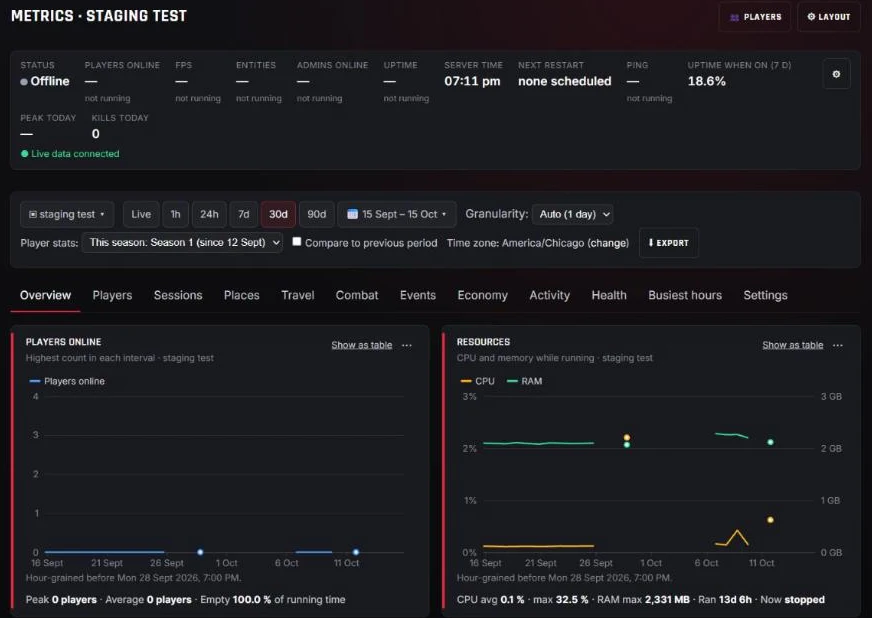
Introducing GameGrid Metrics: The Whole Story of Your Server
Every GameGrid server now has Metrics: uptime with every crash and restart named by its cause, busiest hours, sessions and player profiles, travel, combat, events and economy, with leaderboards and player stats in Discord. Here is what it shows and how it protects your players.
Read More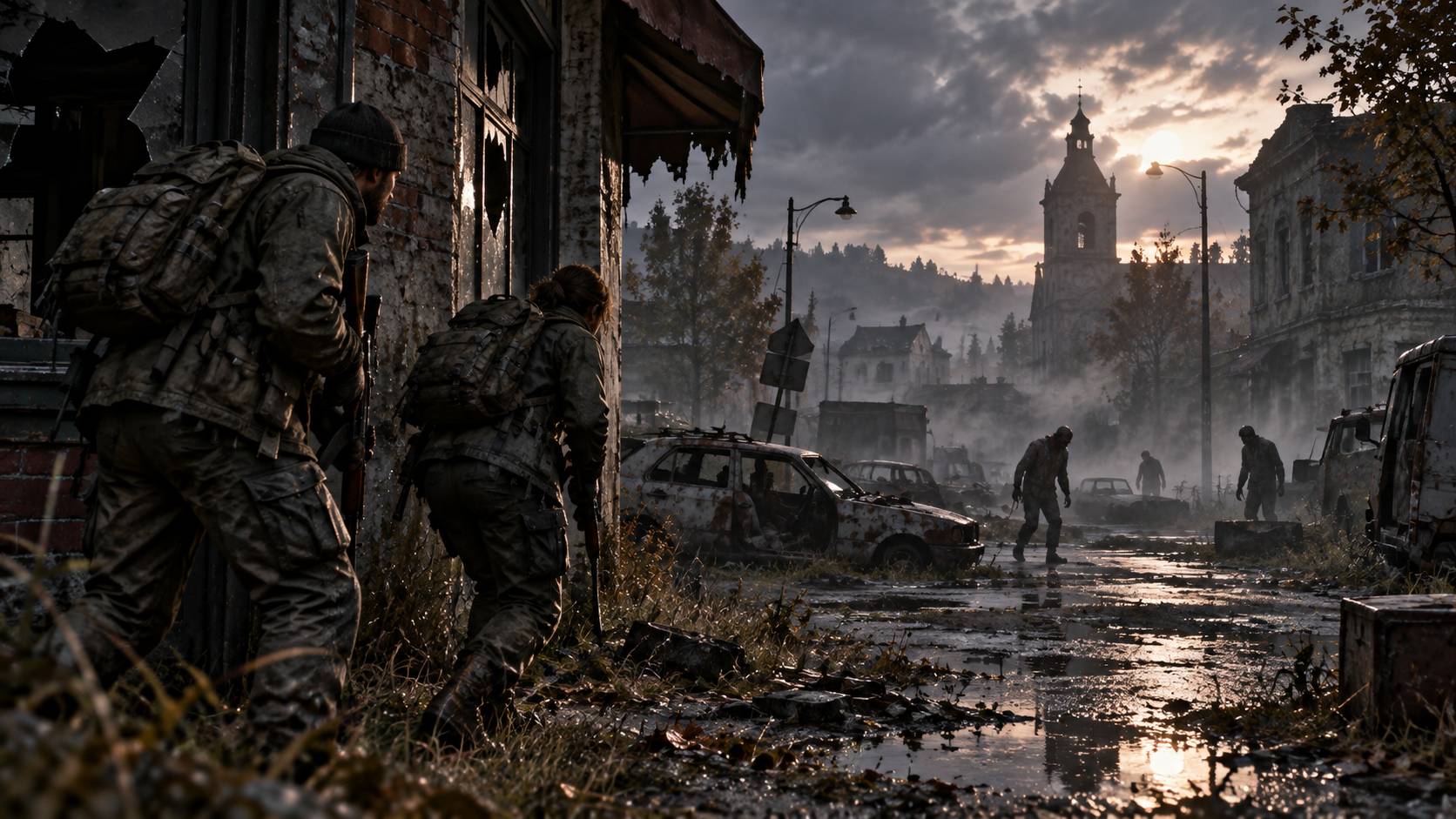
News
Sep 25, 2026 - 3 min read
DayZ Server Hosting Is Now Available on GameGrid
Run your own DayZ server on GameGrid: Chernarus, Livonia or Sakhal, Steam Workshop mods from the panel, a BattlEye RCon console, scheduled messages and automatic backups.
Read More
News
Sep 10, 2026 - 5 min read
Windrose Item Spawning — We Built What the Game Doesn't Have
Windrose ships no admin console and no give command, and every guide online says item spawning isn't possible. On GameGrid, shop purchases now land in your world at the player's feet seconds after /buy — no restart, and nothing for your players to install.
Read More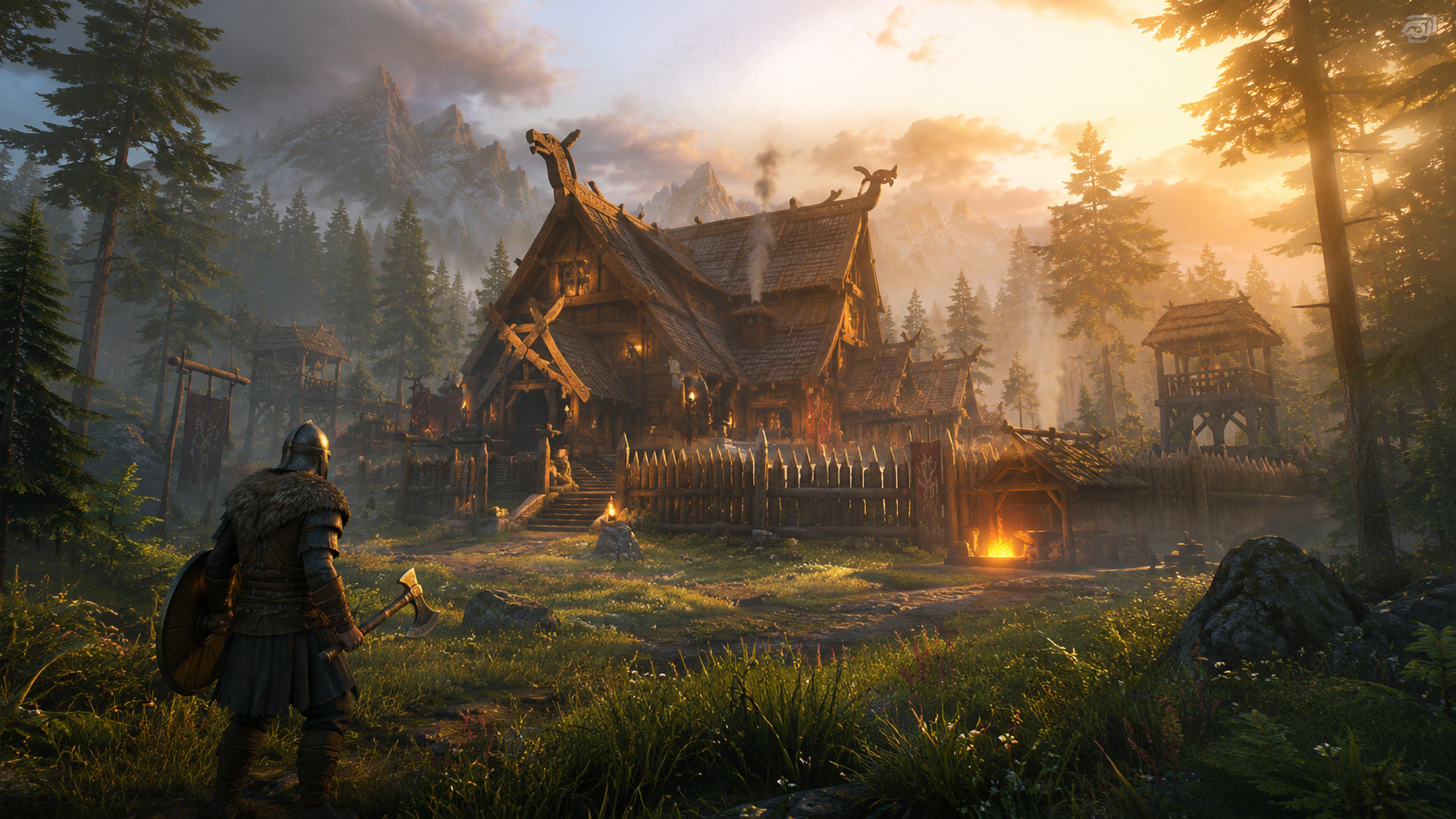
News
Aug 31, 2026 - 1 min read
Valheim Server Hosting Now Available with Crossplay and One-Click Mods
GameGrid now offers instant-deploy Valheim dedicated servers with Steam/Xbox crossplay, one-click BepInEx mods, in-panel settings covering every world modifier, admin and whitelist management, and a graceful shutdown that saves your world every time.
Read More
Announcement
Aug 16, 2026 - 3 min read
Introducing the GameGrid Customer API — Automate Your Server Management
The GameGrid Customer API is live!. Build custom dashboards, automate server lifecycle, sync billing data, and integrate GameGrid into your existing infrastructure with RESTful API access and secure API keys.
Read MoreNews
Aug 11, 2026 - 5 min read
Windrose Server Hosting Now Available with One-Click Windrose Plus
GameGrid now offers instant-deploy Windrose dedicated servers with one-click Windrose Plus activation, live Sea Chart map, RCON admin dashboard, 127 in-panel gameplay settings, and a live status JSON for the dashboard — no client mods required.
Read More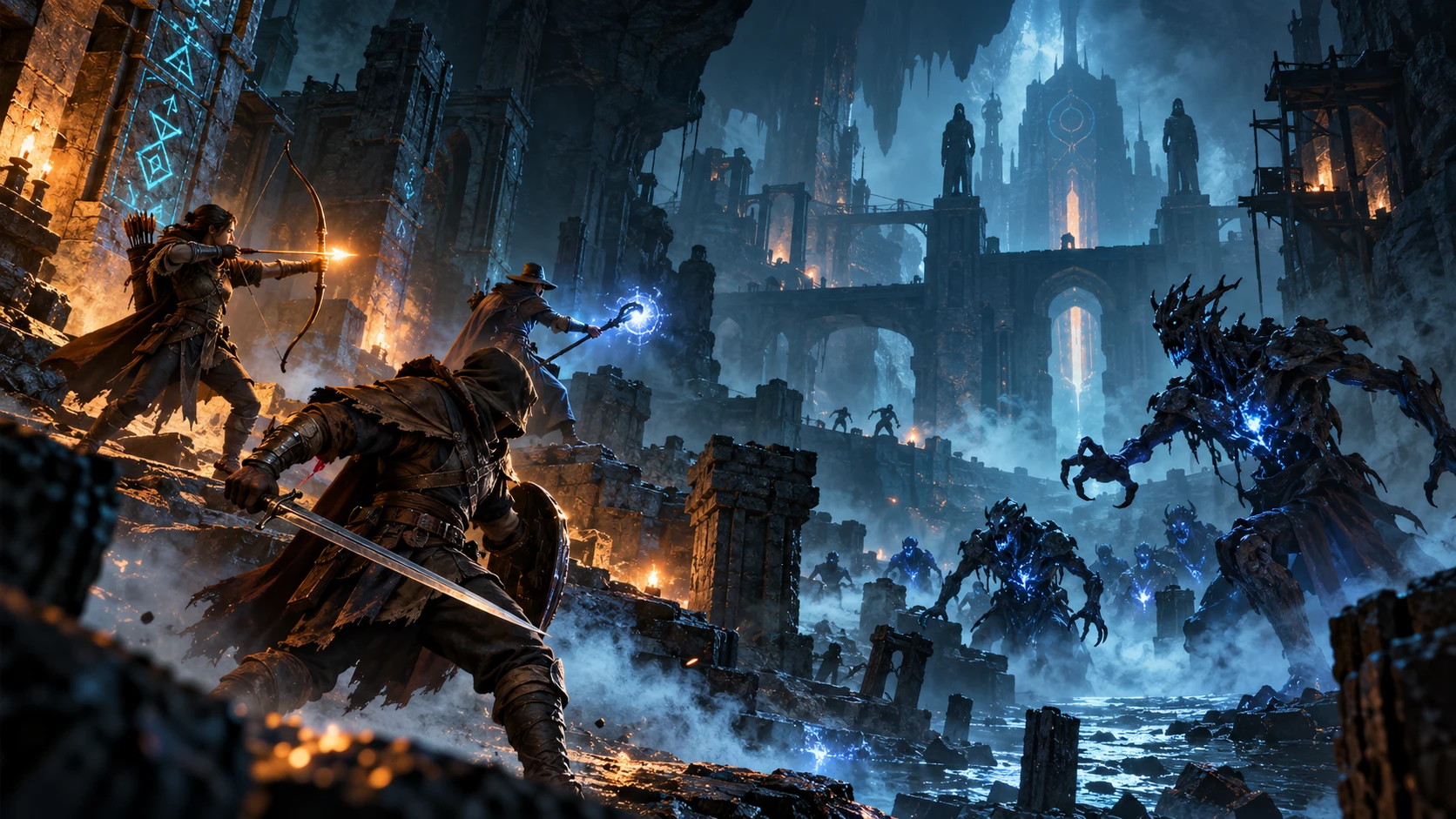
Announcement
Oct 1, 2026 - 4 min read
Enshrouded servers are now available on GameGrid
Host your own Enshrouded server with a live map of Embervale, an in-game shop and kits, bigger stacks and backpacks, the game's own difficulty presets, scheduled events and Nexus mods, all run from one control panel.
Read More
Guide
Aug 16, 2026 - 3 min read
7 Days to Die Server Setup — Ports, Config, and SandboxCode
Complete guide to setting up your 7 Days to Die dedicated server on GameGrid. Configure serverconfig.xml, understand how your ports are assigned, and master the V3.0+ SandboxCode system for gameplay settings.
Read More
Guide
Aug 16, 2026 - 2 min read
Palworld Admin Commands — Complete Reference
Every Palworld admin command in one place: kick, ban, broadcast, save, shutdown, and more. Learn how to become an admin and manage your server from in-game or the GameGrid console.
Read More
Guide
Aug 16, 2026 - 3 min read
Minecraft Server Setup Guide — Vanilla, Paper, Fabric, Forge & NeoForge
Complete guide to setting up your Minecraft server on GameGrid. Choose the right server type (Vanilla, Paper, Fabric, Forge, or NeoForge), configure server.properties, manage ops and whitelists, and connect your players.
Read More
News
Aug 5, 2026 - 3 min read
Referral Program Explained
Earn 10% of each referred friend's plan payments as account credit, with no cap on earnings and no time limit on how long a referral pays out. No expiration on the credit. Share your referral code and save on your own servers.
Read More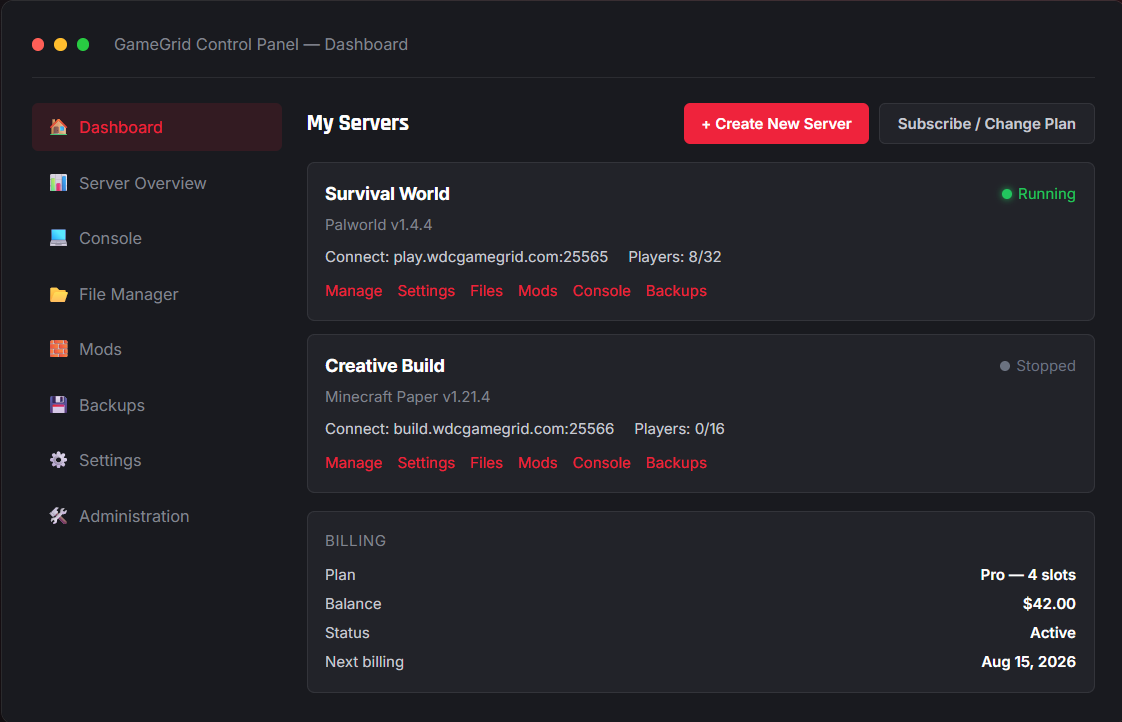
Update
Aug 5, 2026 - 3 min read
File Manager Update — Browse, Edit, and Manage Server Files
The GameGrid file manager gives you full control over your server files from the web panel. Upload, download, edit config files in-browser, compress and extract ZIPs, and manage your server directory — no FTP client required.
Read More13 articles - Page 1 of 2