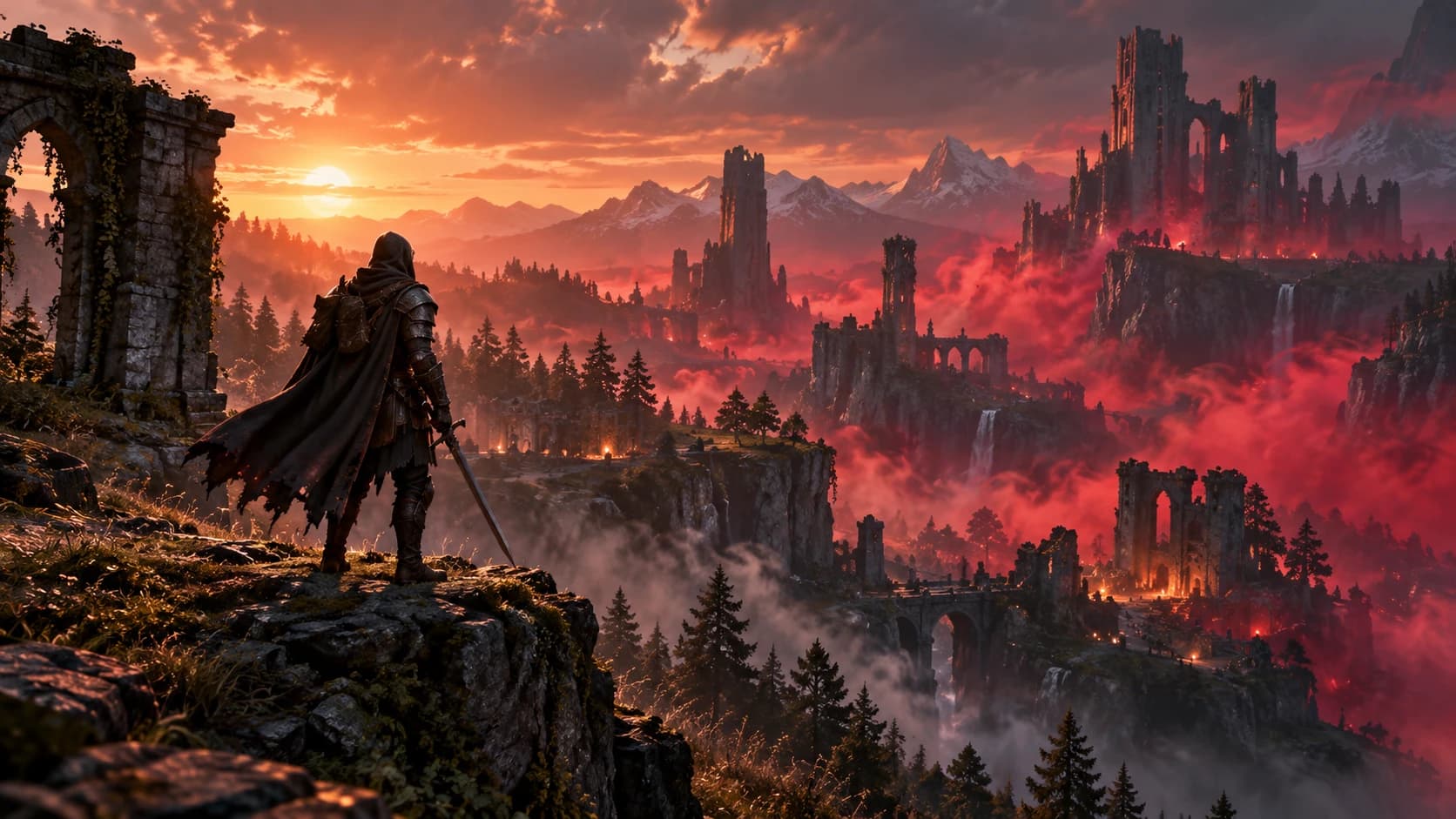
Enshrouded Server Hosting
Rent an Enshrouded dedicated server for up to 16 players, with our own server module: a live map of Embervale, a shop with automatic delivery, and teleport.
What's Included
- ✓Our own server module, installed on every server: players on the map, item delivery, teleport and chat
- ✓Live map of Embervale with player positions and bases
- ✓Teleport a player from the live map: they land on the ground
- ✓Share the map: status, map, landmarks and player dots
- ✓Shop and kits with Discord /buy and /kits, delivered in game automatically
- ✓Discord linking with /link, then join or type !link in chat
- ✓In-game chat to a Discord channel (one way)
- ✓Inventory & Storage: bigger stacks, backpacks and chests
- ✓Event Manager with the game's own presets, measured on every new build
- ✓Command Manager: repeat a settings window on a timetable
- ✓User groups and their passwords in the panel
- ✓Console from the game's own log, with joins, leaves and chat
- ✓Nexus Mods, with EML installed for you
- ✓Discord bot with 49 commands, and the Customer API
- ✓Game updates applied for you, with a backup taken first
- ✓Automatic backups every 24 hours, plus file access over FTP and SFTP
- ✓Instant deployment and DDoS protection
Server Details
Enshrouded is Keen Games' survival action RPG for up to 16 players: explore the voxel world of Embervale, push back the deadly Shroud, and build a base anywhere the terrain allows. A GameGrid Enshrouded server is deployed in minutes and run from the control panel, the Discord bot or the Customer API.
Enshrouded has no console, no RCON and no web API, so nothing can be typed into the game. So we build our own server module and install it on every Enshrouded server: it puts your players on the live map by their character names, hands shop purchases and kits to the player who bought them, even with others online, teleports a player so they land on the ground, and sends in-game chat to Discord. It runs on the server, so your players install nothing for it.
The live map shows Embervale itself, drawn from the game's own map data: every place with its in-game name and icon, the Ancient Spires, the regions and the no-build zones, with the spoiler layers off until you turn them on. Your players appear on it by character name as they move, every Flame Altar base they build is marked, and you can teleport a player to a point you pick on the map. Share the map with your community through a public link.
Run an in-game economy: pick items from the game's own item list, set up a shop and kits, and let players link their Discord account from the game. Purchases and kit claims are handed over in game automatically. Every order joins your server's delivery queue, so a big order never holds up a small one, and a player who is offline is waited for, up to 7 days, and gets the order when they are back.
Inventory & Storage settings go beyond the game's own: raise the maximum stack size from 2x up to 10x, add 8 or 16 backpack slots, and give storage chests 1.5x or 2x the slots. GameGrid applies them to the server's game data at the next restart, so your players join with the normal game and no mod. Backpacks made and chests placed after the change get the extra slots.
The server's settings are in the panel, each with what it does. Start from one of the game's own presets (Default, Relaxed, Hard or Survival) and adjust from there; GameGrid measures the presets again on every new game build, so they follow the game's updates. User groups and their passwords are a table you edit: add or remove a group, choose what it may do and how many slots it reserves, and show or copy a group's password to share it. Each new server gets its own unique group passwords.
The Event Manager runs settings windows on a schedule, a double-XP weekend for example: the server switches to the event's values and back again by itself, and with the GameGrid Discord bot in your server your players are warned in your alert channel before each restart. Start from a ready-made recipe or one of the game's presets.
Mods come from Nexus Mods, browsed and installed from the Mods tab. Enshrouded mods need EML, the community Enshrouded Mod Loader, and GameGrid installs it for you with the first mod that needs it. A mod that fails to apply never stops your server: it starts without mods and the log says which one failed. With text chat on, your players' in-game chat shows in the console and can be posted to a Discord channel (one way, game to Discord).
Game updates are applied for you. When Keen release a new Enshrouded build, GameGrid backs your server up, stops it cleanly so the world is saved, moves it to the new build and starts it again; switch automatic updates off to choose the moment yourself. Keen Games has announced Enshrouded 1.0 for 15 October 2026, and it reaches your server the same way. The game's presets are measured again on every new build. A game update never stops item delivery or teleport by itself: our server module keeps working on the new build and is checked against it automatically, and only if it fails repeatedly is it paused on that build, with orders waiting in the queue; the live map shows the newest map it has, with the build it is from.
Backups run automatically every 24 hours with the last 7 kept, stored away from the machine your server runs on, and Stop and Restart shut Enshrouded down cleanly so it saves the world first. The console shows the game's own log with joins, leaves and chat, the Command Manager repeats a settings window on a timetable, and your files are yours through the file manager, FTP and SFTP. Settings, user groups, presets, the live map, players and the shop work from the GameGrid Discord bot and the Customer API too.
Also Included
Every slot on a plan in this group can run any of these games at the same price. To change games, delete a server and create another game in its slot:
Enshrouded Server Hosting FAQ
How many players can join an Enshrouded server?
Up to 16. That is Enshrouded's own limit, not a plan limit: the server treats any higher number as 16. Most of the memory an Enshrouded server uses goes on the world itself, so a full server costs far less than four times a four-player one.
How do players join my Enshrouded server?
In the game, open Play and then Join, turn on the server filter option that shows dedicated servers (it hides them otherwise), and search for your server name, or search by the address shown on the Connect card of your server's Overview. Each player types the password of the user group they should play in. No port forwarding is needed.
How do I become admin on my Enshrouded server?
Join with the Admin group's password. Enshrouded has no admin list: whoever joins with that password is an admin. Find it under Settings, User Groups, with Show and Copy on the Admin row. Every new GameGrid server gets its own generated password for each group, and you can change them.
Can I move my single-player or co-op world to the server?
Yes. Upload the world's save files to the server's savegame folder with the file manager or FTP, renamed to the id the dedicated server uses. Your players keep their characters: in Enshrouded a character lives on the player's own PC, and the server holds the world.
Can I change the difficulty and gameplay settings?
Yes, from the Settings page, each setting with what it does. Start from one of the game's own presets (Default, Relaxed, Hard or Survival) and change anything from there. GameGrid runs the server on the Custom preset, so every value you set is the one the game uses, and the presets are measured again on every new game build.
Can I run mods on an Enshrouded server?
Yes, through EML, the community Enshrouded Mod Loader, which GameGrid installs for you with the first mod that needs it. Browse and install mods from Nexus Mods on the Mods tab. EML patches the game's data before the server starts, so mods that change data work and mods that need their own code do not. A mod that no longer fits never stops your server: it starts without mods and the log says which one failed.
Are there admin commands or RCON?
No. Enshrouded has no console, no chat commands and no RCON on the server. Kick and ban are in the game's Social tab, and everything else is in the GameGrid panel, the Discord bot and the Customer API. GameGrid's own server module adds what the game lacks: players on a live map, item delivery for a shop and kits, teleport and in-game chat to Discord.
How are game updates applied, and what about Enshrouded 1.0?
With automatic updates on (the default), GameGrid applies a new Enshrouded build for you: it backs your server up, stops it cleanly so the world is saved, moves it to the new build and starts it again. Keen Games has announced Enshrouded 1.0 for 15 October 2026, and it reaches your server the same way. GameGrid's tools keep working on the new build: item delivery and teleport are checked against it automatically and paused on that build only if they fail repeatedly (orders then wait in the queue), the map shows the newest one until the new build's is published, and the difficulty presets are measured again automatically.
Is my world backed up?
Yes. Backups run automatically every day and before every game update and restore, and are stored away from the machine your server runs on. Stop and Restart shut Enshrouded down cleanly so it saves the world first, and you can restore a backup from the Backups page.