WDC GameGrid Knowledge Base
Guides, tutorials, and solutions for every game we host. Search or browse by game below.
Popular Games
View all games →
7 Days to Die
Set up, configure, generate worlds, mod, and troubleshoot your 7 Days to Die server.
32 guides
DayZ
Set up, configure, mod, and troubleshoot your DayZ server. Covers serverDZ.cfg, maps, the loot economy, BattlEye bans, whitelists, wipes, and the DZSA Launcher.
39 guides
Enshrouded
Enshrouded dedicated server guides: setup, settings and difficulty presets, admin and user groups, mods, the live map, economy, backups, updates and fixes.
39 guides
Minecraft
Set up, configure, mod, optimize, and troubleshoot your Minecraft server. Covers Vanilla, Paper, Fabric, Forge, and NeoForge.
38 guides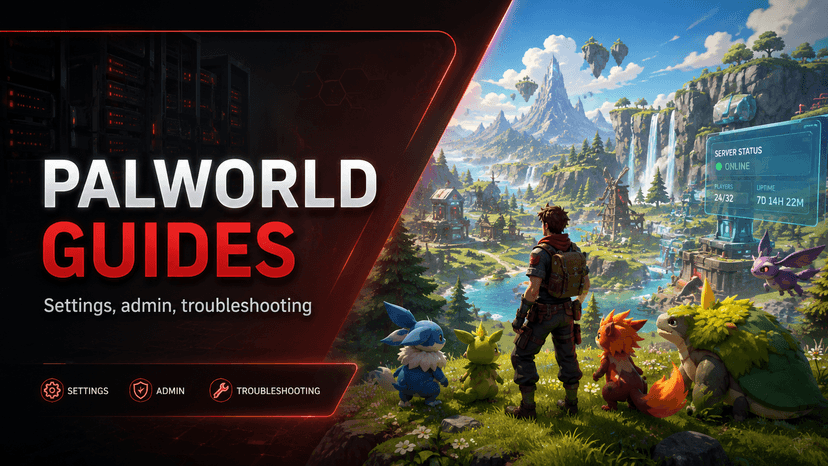
Palworld
Configure your Palworld dedicated server: difficulty, Pal spawns, PvP, admin commands, mods, and troubleshooting.
33 guides
Valheim
Set up, configure, mod, and troubleshoot your Valheim dedicated server. Covers crossplay, world modifiers, admin commands, and progression.
26 guides
Windrose
Set up, configure, and manage your Windrose dedicated server. Covers Windrose Plus, live map, admin commands, and troubleshooting.
28 guidesPopular Articles
7 Days to Die Server Setup Guide
Set up your 7 Days to Die server: the settings that matter, the world options, the Sandbox Code, and how players connect.
Getting Started with Your DayZ Server
Set up a DayZ server on GameGrid: what you get, the first settings to change before anyone joins, how to start it and share the address, and which files matter.
How to Become Admin on Your Enshrouded Server
Enshrouded has no admin list and no admin commands. Admin is a group password — here is how to get it, use it, and not give it away by accident.
Enshrouded Server Not Showing Up or Can't Join
Work through why a player cannot see or join your Enshrouded server, starting with the server-browser filter that causes most of it.
How to Join Your Enshrouded Server
Three ways into your Enshrouded server, the server-browser filter that hides dedicated servers from most people, and what to send your players.
Bigger Stacks, Backpacks and Chests on Enshrouded
Raise stack sizes, add backpack slots and make storage chests bigger on your Enshrouded server, with no mod for players to install, and the catches to know.
Platform Guides
Getting Started
Set up your first game server, navigate the dashboard, and connect your players.
3 articlesPlatform Guides
Master the control panel: file management, backups, console, mods, settings, and administration.
44 articlesTroubleshooting
Solve connection issues, server startup failures, backup problems, and common errors.
5 articlesPlatform Features
Detailed guides for every feature included with your GameGrid server - backups, mods, monitoring, auto-restart, and more.
15 articlesStill Need Help?
Open a support ticket at any time. Urgent tickets have a one-hour response target, and the clock does not pause overnight.