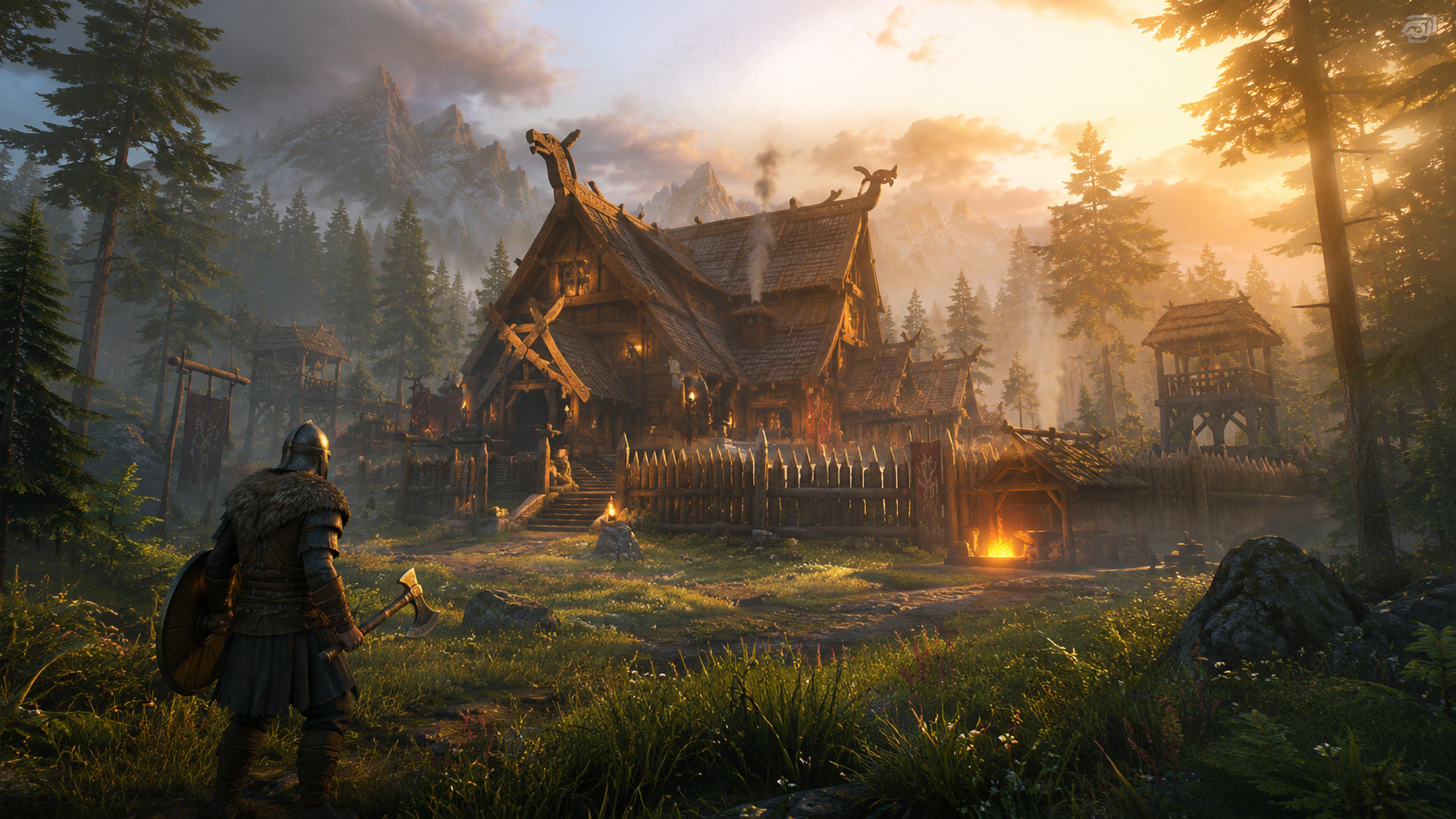
GameGrid now offers instant-deploy Windrose dedicated servers with one-click Windrose Plus activation, live Sea Chart map, RCON admin dashboard, 127 in-panel gameplay settings, and a live status JSON for the dashboard.
Windrose is a co-op pirate survival adventure from Kraken Express, set in the Age of Piracy. Build bases, craft ships, explore procedural islands, and fight enemies on land and sea — solo or with up to 8 friends (4 recommended for optimal performance). With a dedicated GameGrid server, you get full control over your world with features that no other host offers out of the box.
One-Click Windrose Plus
Enable Windrose Plus directly from your server panel with a single click. No manual file editing, no FTP uploads, no command-line tools. Windrose Plus is a free, open-source server-side mod framework that adds everything Windrose dedicated servers are missing — and your players never need to install any mods.
Windrose Plus features include:
- Live Sea Chart Map — A real-time map in your browser showing island terrain, player positions, creature locations, and points of interest. The map generates automatically when the first player connects. Share a public map link with your community without giving admin access.
- RCON Admin Dashboard — Manage your server from any browser. The dashboard includes a command console with autocomplete, built-in admin commands, server status monitoring, player management, and performance graphs.
- 127 Configurable Settings — Adjust loot rates, XP gain, craft efficiency, cooking speed, harvest yield, player stats (health, stamina, posture, armor, carry weight), co-op scaling, swimming mechanics, combat effects (bleed, weakness), rest effects, and hearth bonuses — all from the GameGrid control panel.
- Lua Mod Support — Load server-side Lua mods to customize gameplay further. No client-side installation required.
- Public Map Sharing — Share a read-only map view with your community using a public URL, optionally gated with a token. The admin dashboard is never public: it opens from your panel’s Windrose Plus tab, signed in through your GameGrid account.
Why Host Windrose on GameGrid?
- Instant Deployment — Your Windrose server is deployed in minutes. Pick your game, choose a plan, and the system handles SteamCMD installation and configuration automatically.
- Auto-Updates — GameGrid detects new Windrose builds and, unless you turn it off on the Admin tab, applies them for you: the update stages the new build, takes a backup and restarts the server. Windrose Plus compatibility updates are checked automatically too.
- Automatic Daily Backups — Daily backups to Wasabi S3 cloud storage keep your world safe. Create manual backups at any time from the control panel, and restore with one click.
- DDoS Protection — Enterprise-grade DDoS protection included with every server at no additional cost.
- Full Control Panel — File manager, live console, mod manager, backup system, settings editor, and player management — all in one place.
- One-Click Windrose Plus — The only host with true one-click Windrose Plus activation. No manual installation, no GitHub downloads, no file editing. Toggle it on and restart.
- Expert Support — Open a support ticket at any time about anything from configuration to Windrose Plus problems. Urgent tickets have a one-hour response target.
Get Started
Ready to set sail? Visit our Windrose server hosting page to deploy your server in minutes, or check out our Windrose knowledge base for in-depth guides covering server setup, Windrose Plus configuration, admin commands, troubleshooting, and more.
Learn More
For complete guides on setting up and managing your Windrose server, visit our Windrose knowledge base: