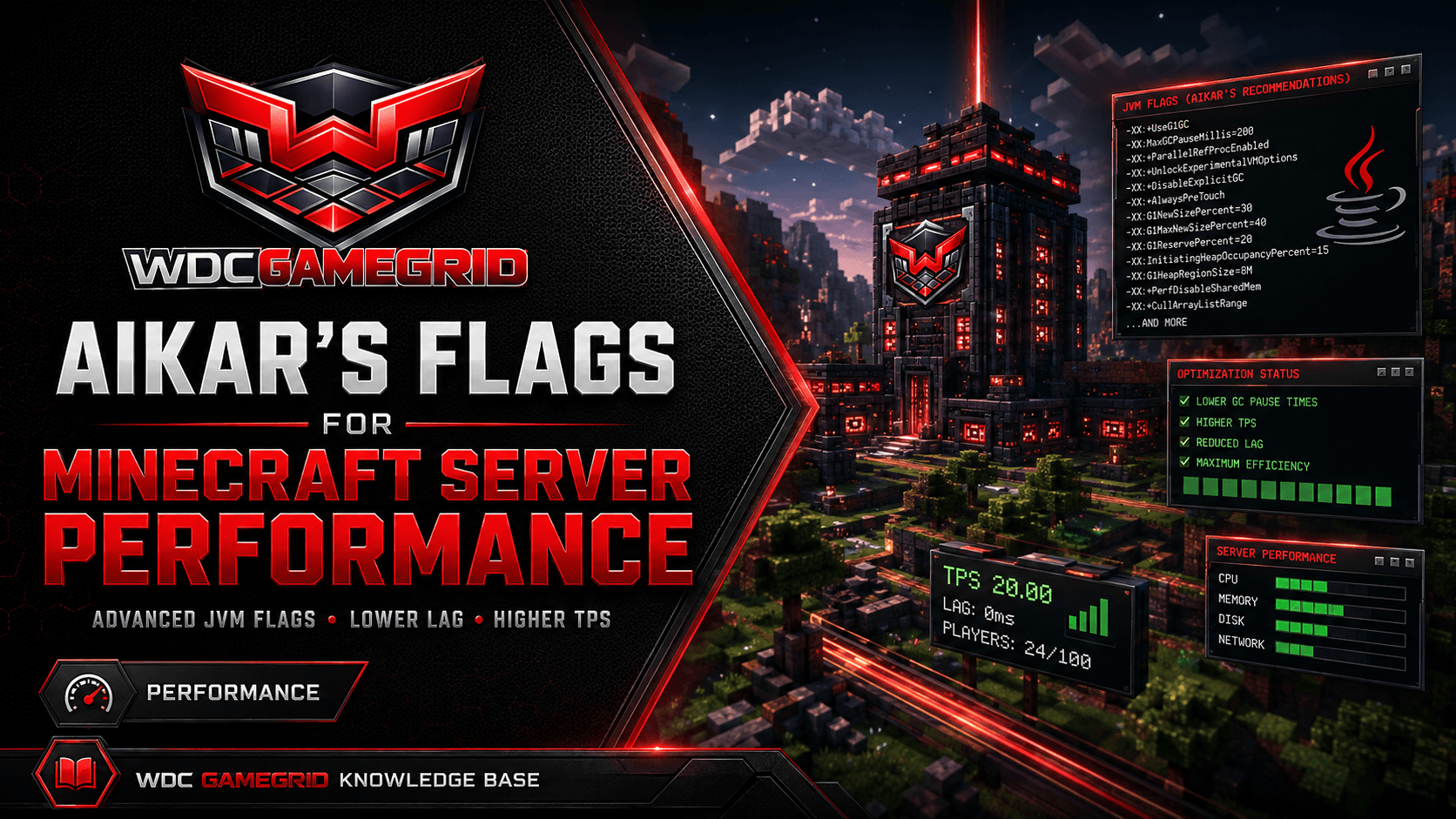
Aikar's Flags for Minecraft Server Performance
What Aikar's Flags are, what GameGrid already launches your server with, the one flag you must not add here, and where you can add your own.
What Aikar's Flags Are
Aikar's Flags are a set of JVM garbage-collection arguments put together by Aikar of the PaperMC team. They tune G1GC to keep pauses short, which shows up in game as fewer sudden lag spikes.
Without tuning, Java's collector periodically stops the world to clean up memory. Those pauses are what many server owners describe as "random lag".
They are widely used, but they are not magic and they are not new. On a modern JVM the defaults are already good; Paper's own documentation suggests trying the defaults first and reaching for tuning only if you can show GC pauses are actually your problem.
What GameGrid Already Launches With
Every Minecraft server here starts with a heap ceiling, a heap floor, and -XX:+UseG1GC. You do not have to add G1GC yourself and you should not need to think about it.
The heap is sized by the platform from the host it is on, not left at a hardcoded value: roughly half of what is left after a host reserve, clamped to between 2 GB and 12 GB, rounded to a sensible number.
The floor (-Xms) is deliberately low - 512 MB. The JVM grows the heap on demand, so an idle server costs the host what it actually uses rather than what its ceiling allows.
That design is why the ceiling can be generous. A modpack that needs 8 GB can grow into it without an OutOfMemoryError, and a server that needs 2 GB uses 2 GB.
Do Not Add -XX:+AlwaysPreTouch Here
This is the one flag in every copy of Aikar's Flags on the internet that must not be used on this platform.
AlwaysPreTouch walks and touches every page of the MAXIMUM heap at startup. It converts the ceiling into real resident memory the moment the process starts.
On a shared host that is a problem for everyone: two idle servers with a 7 GB ceiling would commit 14 GB between them on a machine with 16. The whole point of a generous ceiling is that it costs nothing until it is used.
The rest of Aikar's G1 tuning is harmless. This one flag is not, at any heap size, on this platform.
The same reasoning rules out setting -Xms equal to -Xmx, which general guides also recommend. Here the low floor is the design, not an oversight.
Where You Can Add Your Own Flags
Forge and NeoForge: yes. Those two launch from user_jvm_args.txt at the server root, which you can edit from the Files tab. The platform passes its own arguments before that file, and for a repeated JVM option the last one wins - so anything you put in user_jvm_args.txt takes precedence, including your own -Xmx.
That file is also backed up with your server, so a change survives a restore.
Vanilla, Paper and Fabric: no. Those three launch from a fixed argument list built by the platform, and there is no per-server JVM arguments file for them and no field for it in Settings. If you believe your server needs different JVM tuning, open a support ticket and say what you are seeing.
There is no "JVM arguments" box in the Settings tab on any of the five types. If a guide tells you to look for one, it is not describing this panel.
The Flags Themselves
For reference, the G1 tuning half of the set - everything except AlwaysPreTouch:
-XX:+UseG1GC -XX:+ParallelRefProcEnabled -XX:MaxGCPauseMillis=200 -XX:+UnlockExperimentalVMOptions -XX:+DisableExplicitGC -XX:G1NewSizePercent=30 -XX:G1MaxNewSizePercent=40 -XX:G1HeapRegionSize=8M -XX:G1ReservePercent=20 -XX:G1HeapWastePercent=5 -XX:G1MixedGCCountTarget=4 -XX:InitiatingHeapOccupancyPercent=15 -XX:G1MixedGCLiveThresholdPercent=90 -XX:G1RSetUpdatingPauseTimePercent=5 -XX:SurvivorRatio=32 -XX:+PerfDisableSharedMem -XX:MaxTenuringThreshold=1
For heaps above 12 GB the published set changes G1NewSizePercent to 40, G1MaxNewSizePercent to 50, G1HeapRegionSize to 16M, G1ReservePercent to 15 and InitiatingHeapOccupancyPercent to 20. The platform's ceiling is 12 GB, so that variant does not apply here.
If you are putting these into a Forge or NeoForge user_jvm_args.txt, take the list above as written and leave AlwaysPreTouch out.
Checking What Your Server Actually Started With
The panel does not show the JVM's launch line, and Vanilla, Paper and Fabric do not print their JVM arguments in the Console tab. On Forge and NeoForge, the flags you added yourself are in user_jvm_args.txt in the Files tab. If you need the platform's own flags confirmed for your server, open a support ticket.
All five server types run Minecraft 26.2, which needs Java 25. The platform installs and selects that for you - there is no Java version to pick and nothing for your players to install.
If you are chasing a memory problem rather than a GC one, the Resource Usage card on the Overview tab shows live memory for the server process. That is the number to quote in a ticket.