
DayZ Knowledge Base
Complete guides for your WDC GameGrid DayZ server. Learn how to configure serverDZ.cfg, pick a map, tune the loot economy in types.xml, connect players through the DayZ and DZSA launchers, manage admins, bans and whitelists over BattlEye RCon, install Workshop mods, wipe and back up your world, and fix the errors players hit most.
Rent a DayZ Server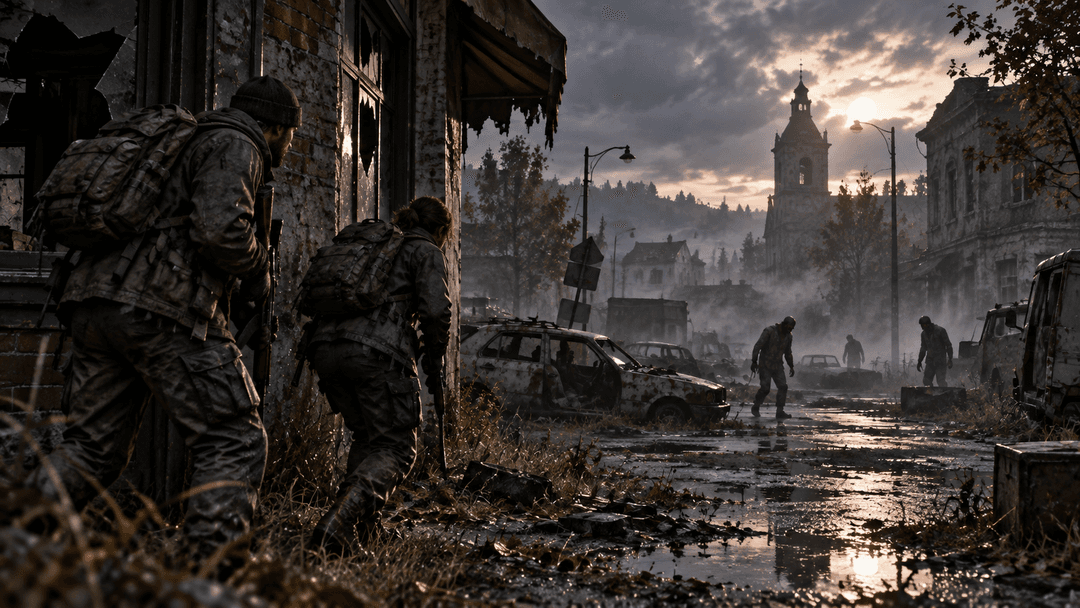
Start Here
Setup and Configuration
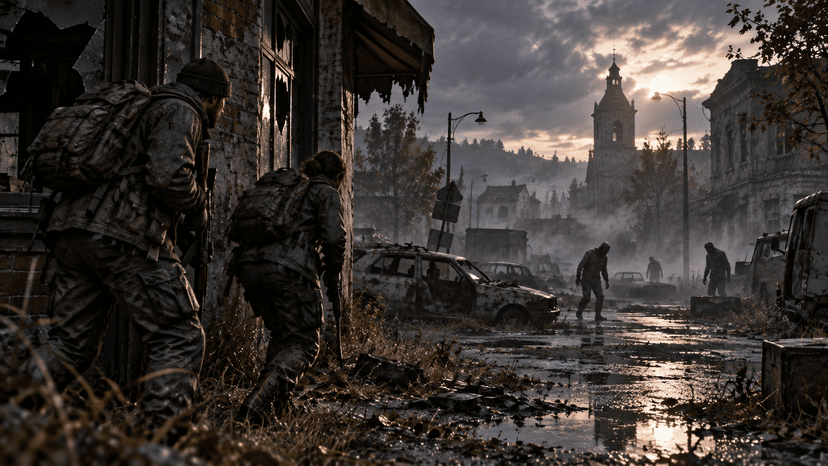
Getting Started with Your DayZ Server
Set up a DayZ server on GameGrid: what you get, the first settings to change before anyone joins, how to start it and share the address, and which files matter.
DayZ Server Settings Reference (serverDZ.cfg)
Every important serverDZ.cfg setting explained: identity and passwords, player slots, first person and crosshair, time, login queue, admin logs, and the keys GameGrid sets for you.
Why a DayZ Setting Is Greyed Out, Blank or Ignored
How the Settings tab tells you the truth about your DayZ server: the format hint on a free-text field, why a missing key shows the value the game really uses, and why a setting the game is not reading is marked "ignored" instead of pretending to save.
DayZ Server Ports and Firewall
Which UDP ports a GameGrid DayZ server uses, why the Steam query port is game port + 4, why BattlEye RCon is not reachable from outside, and the self-hosted equivalents.
Changing Your DayZ Map: Chernarus, Livonia and Sakhal
Which DayZ maps a GameGrid server has, which setting selects the map, where each map keeps its world and loot edits, and what running a community map involves.
DayZ Day Length, Night Speed and Weather
Control how long DayZ days and nights last with time acceleration, keep nights short, choose a start time, and edit the weather in cfgweather.xml.
DayZ cfggameplay.json, Spawn Points and Starting Gear
Turn on cfggameplay.json and use it to change stamina, carry weight, base building checks and the map, then set fresh-spawn locations and starting loadouts.
Connecting
How to Connect to Your DayZ Server (Direct Connect, Favourites and the DZSA Launcher)
Join a GameGrid DayZ server with the official launcher's Direct Connect, Steam Favourites or the DZSA Launcher, and know which port each one needs.
DayZ Server Not Showing in the Server Browser or DZSA Launcher
Your DayZ server is running but players cannot find it. Check it is really Online, clear the browser filters, use the right query port, register it with DZSA, and join directly meanwhile.
Administration
How to Become Admin on Your DayZ Server
Run your DayZ server as admin from the Console tab, what the admin password setting is for, what vanilla admin can and cannot do, and where admin tool mods fit in.
DayZ BattlEye RCon and the Console Tab
Use the Console tab to send BattlEye RCon commands to your DayZ server: list players, message everyone, kick, ban and shut down, and schedule messages with the Command Manager.
Banning Players and BattlEye Bans on DayZ
Ban DayZ players who are online or offline, set timed and permanent bans, unban, keep your ban list across wipes, and understand global BattlEye bans you cannot lift.
DayZ Whitelist and Priority Queue
Make a DayZ server whitelist-only, give supporters or regulars priority in the login queue, and use the right ID format for whitelist.txt and priority.txt.
DayZ Steam64, Player ID and BattlEye GUID: Which ID Goes Where
DayZ uses three different player IDs, and its default name for everybody is "Survivor". Learn how to tell a Steam64 ID, a DayZ player ID and a BattlEye GUID apart, where the panel shows each, and which file or command needs which.
Reading DayZ Admin Logs (ADM and RPT)
Find and read DayZ server logs: the ADM admin log for connections, chat, hits, kills and building, the RPT log for errors and crashes, and how to use them to settle disputes.
Scheduled Restarts and Server Messages on DayZ
Why DayZ servers restart every few hours, the restart options on GameGrid, how DayZ's own messages.xml timer works, and how to schedule warning and rules messages.
DayZ in the Customer API and the Discord Bot
The DayZ routes in the Customer API and the Discord bot's /dayz command: what each returns, which ones need the GameGrid DayZ server mod, which read the platform's own record and so answer while the server is stopped, how paging, the leaderboard, player profiles and broadcasts work, and what the error answers mean.
Mods
Mods on Your DayZ Server
Install Steam Workshop mods on your DayZ server from the Mods tab: load order, Client & server and Server only mods, signing keys and the warning when a mod ships none, community maps up to 20 GiB, mission files, updates and removing a mod.
DayZ Admin Tool Mods: Community Online Tools and VPP
What DayZ admin tool mods such as Community Online Tools and VPP Admin Tools add, how they are installed as Steam Workshop mods, and what the Console tab does without them.
Economy and Game Tools
DayZ Presets: Ready-Made Setups, and What Each One Really Does
Fifty-nine ready-made configurations for areas, loot, crates, infected pressure, announcements, settings windows and Battle Royale rounds — what each one sets up, when it takes effect, and what it still needs from you.
The DayZ Live Map: Real Map Imagery, Grid, Layers and Point Tools
Your DayZ map with the real satellite imagery under it: where survivors and vehicles are, grid references and world metres, terrain relief and contours, and the right-click tools that copy a grid, measure a distance, teleport a player or spawn an item at a point.
The DayZ Killfeed, Leaderboard and Survivor Profiles
Every death on your DayZ server, kept: what a killfeed line carries, how the leaderboard ranks players over a session, 7 days, 30 days or all time, and what a survivor profile shows and where each number comes from.
Paying DayZ Players for Playtime, Kills and Deaths
Auto-Earn on a DayZ server: pay players by the hour, pay for a player kill, and take a penalty on death. What counts as a kill, why a wallet never goes negative, and why a player has to link before any of it reaches them.
DayZ Zones: Naming Areas of Your Map, and What Each One Does
Draw named areas on your DayZ map, give them a purpose and a priority, and write three kinds of them into your server's own mission files. A protected area also has your server mod cancel damage between players inside it.
Zone Loot: Putting Chosen Loot Inside an Area on DayZ
Scatter containers full of loot you chose across a circle or a rectangle on your map. How the points are picked. Which three files it writes. Why a new layout needs a restart. And how a cadence keeps placing bursts on its own.
DayZ Supply Drops, Airdrops and the Rotator
A crate on the ground at a point you choose, with the loot you choose, announced to your players — and a cycle that hands the next one to a schedule you already have. What it writes, when each route lands, and how a repeat keeps crates appearing with no restart.
Battle Royale Rounds on Your DayZ Server
A last-one-standing round on a temporary server built beside your own, with a closing ring and a scoreboard. How a round is set up, what it costs you, how it is scored, and why your survival world is never touched.
DayZ Loot Economy Explained: types.xml
How DayZ's Central Economy spawns loot, what every field in a types.xml entry means, how to raise or lower loot safely, and how to edit the file on GameGrid without breaking it.
DayZ Vehicles, Heli Crashes and Dynamic Events (events.xml)
How events.xml and cfgeventspawns.xml control vehicles, helicopter crashes, animals and infected hordes on a DayZ server, and why vehicles sometimes do not spawn.
DayZ Zombies, Animals, Cleanup Timers and Base Decay (globals.xml)
Tune infected and animal counts, body cleanup and login timers in globals.xml, understand how DayZ bases decay and how territory flags keep them alive, and fix "my base disappeared".
Backups and Wipes
DayZ Backups, Restores and Where Your Save Lives
How GameGrid backs up a DayZ server, what a backup contains, how to take a clean backup and restore one, and how to bring a DayZ world over from another host.
Wiping Your DayZ Server: Full, Characters Only or World Only
Wipe a DayZ server the safe way: what persists, where the save lives on GameGrid, a full wipe from the Files tab, partial wipes, re-rolling loot, and what a wipe leaves alone.
Performance
Troubleshooting
DayZ Common Issues: Won't Start, Missing Addons, No Loot and Crashes
Fix the DayZ server problems that come up most: a server that will not start, "requires addon" errors, loot not spawning, stuck loading, and crashes after adding mods.
Kicked from a DayZ Server: Signature, BattlEye, Version and Ping Errors
What the common DayZ kick messages mean and how to fix them, for server owners and players: modified data and signature errors, BattlEye client not responding, wrong version, high ping and whitelist refusals.
DayZ Version Mismatch and Server Updates
Why DayZ refuses players on a different build, how GameGrid applies DayZ updates, what to do when mods break on patch day, and how to bring your mission files up to date.
FAQ
Other Game Knowledge Bases
Need Help with Your DayZ Server?
Our support team knows DayZ inside and out. Open a ticket for fast help.
Open a Support Ticket