Minecraft Knowledge Base
Learn how to create, configure, optimize, mod, back up, and troubleshoot your WDC GameGrid Minecraft server. These guides cover Vanilla, Paper, Fabric, Forge, and NeoForge servers, with step-by-step instructions for every skill level.
Rent a Minecraft Server
Setup and Configuration
Minecraft Server Setup Guide
Create and configure your Minecraft server: Vanilla, Paper, Fabric, Forge, and NeoForge setup.
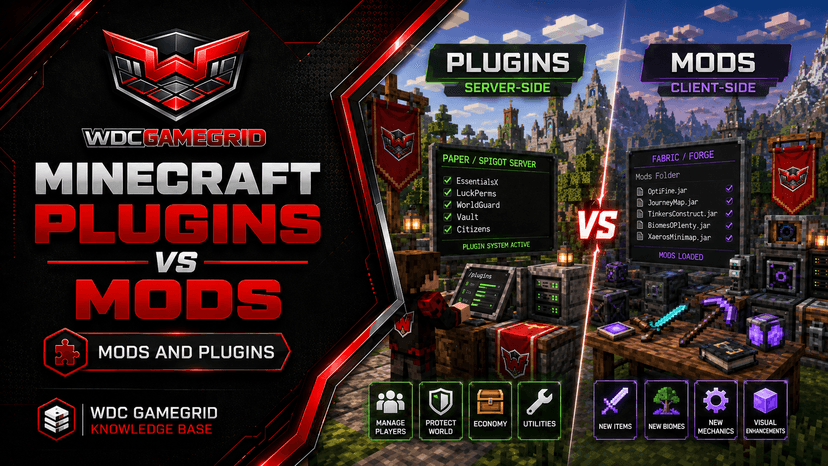
Choosing a Minecraft Server Type: Vanilla, Paper, Fabric, Forge or NeoForge
What each of the five Minecraft server types is for, which one to pick for what you want to build, and the mod-loader mistake that breaks more servers than anything else.
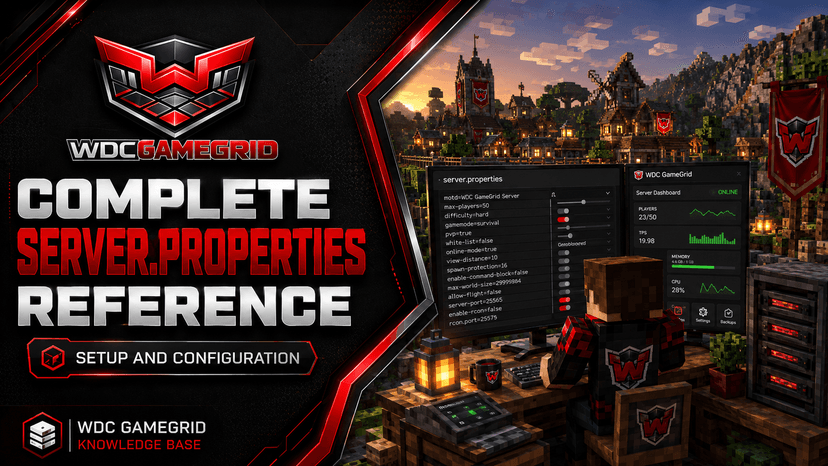
Important server.properties Settings Reference
Every server.properties setting the panel exposes: defaults, ranges, which ones are read-only, and which have a live console command.
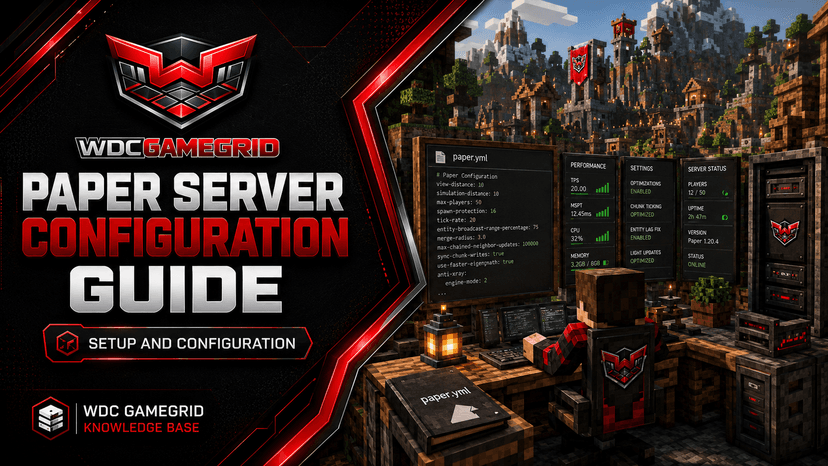
Paper Server Configuration Guide
paper-global.yml, paper-world-defaults.yml, spigot.yml, and bukkit.yml - what each config does.
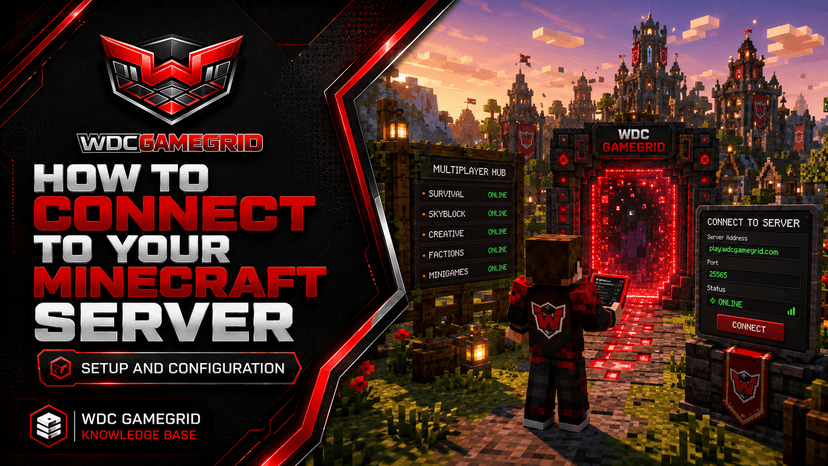
How to Connect to Your Minecraft Server
Connect to your GameGrid Minecraft server using Direct Connect, Add Server, or the Bedrock server list.
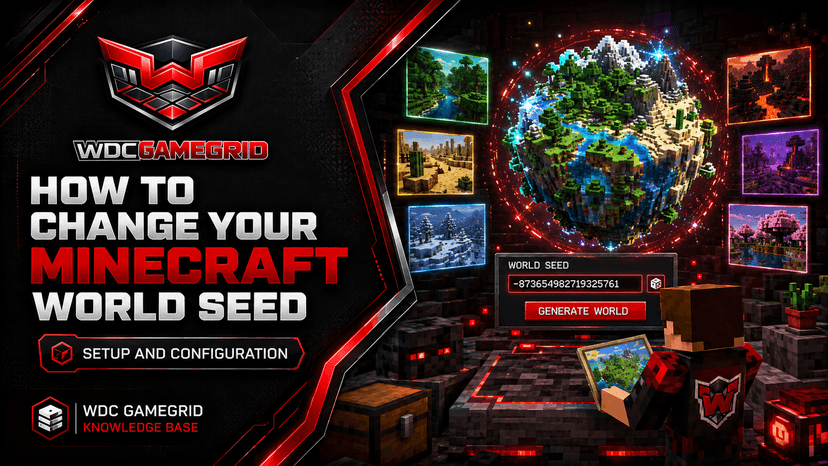
How to Change Your Minecraft World Seed
Generate a new world with a specific seed or let the server pick a random one.
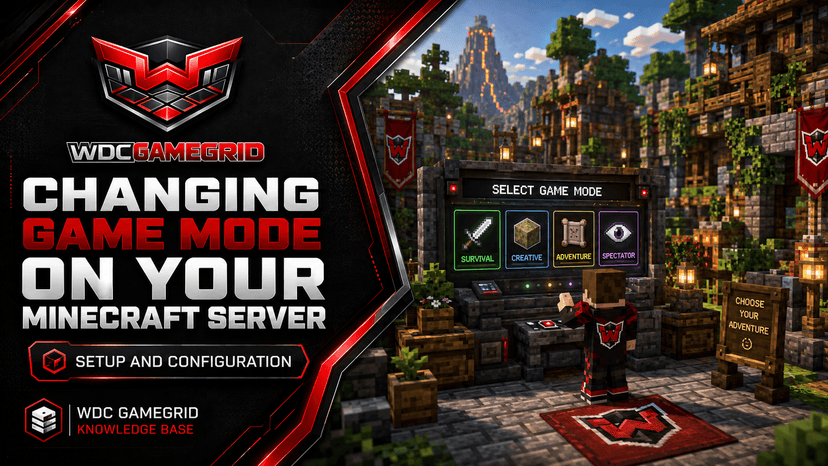
Changing Game Mode on Your Minecraft Server
Switch between survival, creative, adventure, and spectator modes for individual players or the whole server.
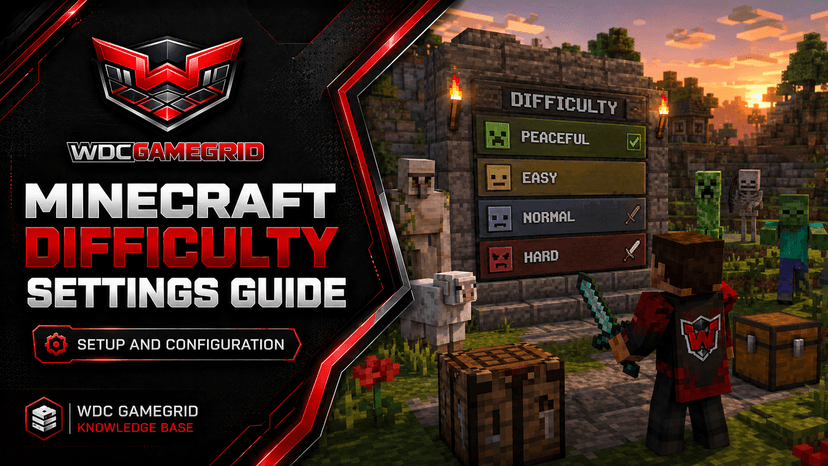
Minecraft Difficulty Settings Guide
Choose between peaceful, easy, normal, and hard difficulty, and understand what each level changes.
Administration
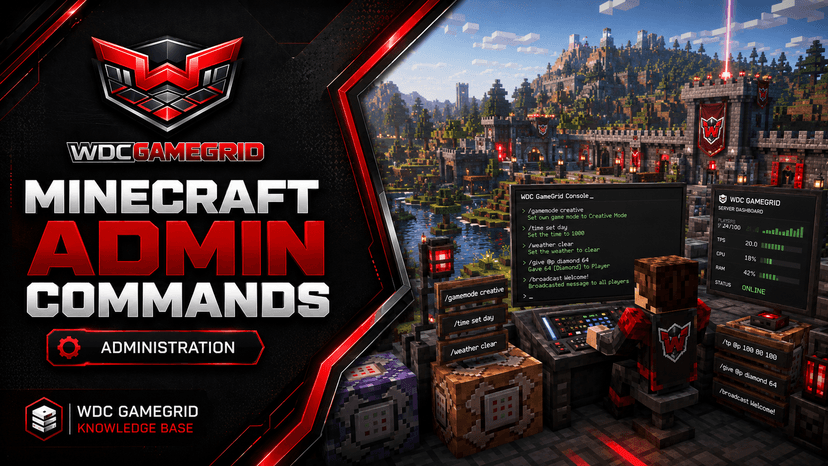
Minecraft Admin Commands
Essential Minecraft server commands for OP management, player control, and world editing.
Minecraft Command Manager
Schedule Minecraft server commands to run on their own - saves, restart warnings, daylight, gamerules - and give an item to everyone online with a single @a command.
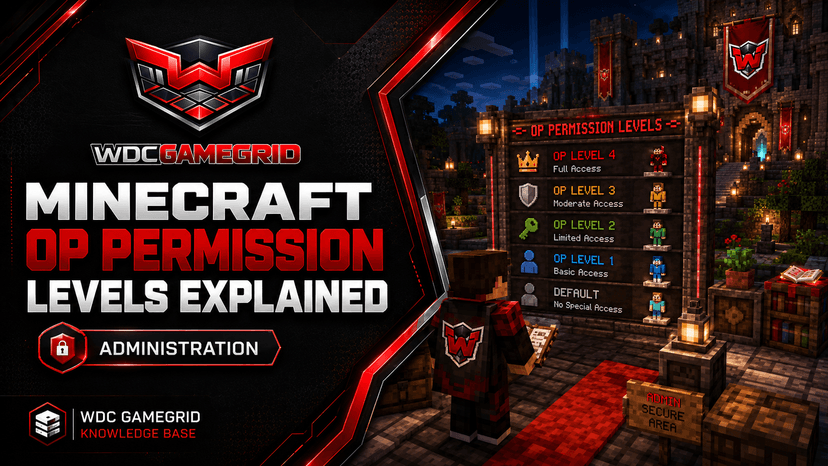
Minecraft OP Permission Levels Explained
What each OP level (1-4) can do, how to assign them, and security best practices.
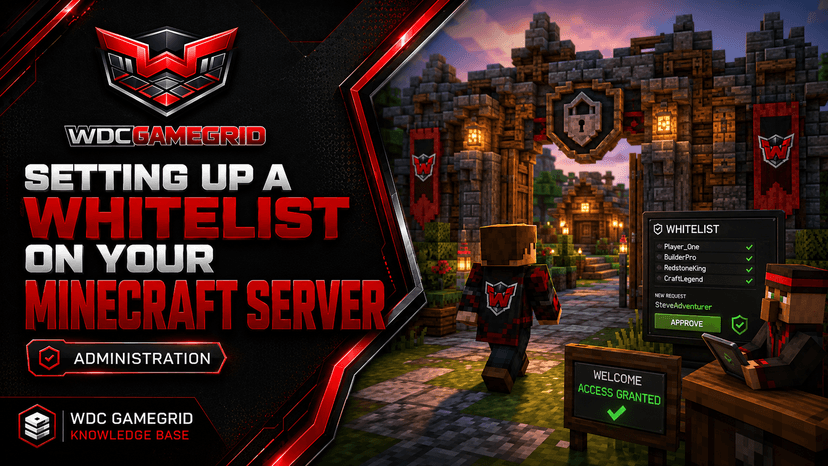
Setting Up a Whitelist on Your Minecraft Server
Restrict your server to approved players using the whitelist system.
Banning and Kicking Players on Your Minecraft Server
Remove disruptive players temporarily with kick or permanently with ban commands.
Mods and Plugins
Minecraft Plugins vs Mods
The difference between plugins and mods, and how to choose the right server type.
How to Install Minecraft Plugins
Plugin installation for Paper and Spigot servers - from the Mods tab or manual upload.
How to Install Fabric Mods
Fabric mod installation - from the Mods tab or manual upload, the Fabric API dependency, client vs server guidance, and what to do when the server stops starting.
How to Install Forge and NeoForge Mods
Forge and NeoForge mod installation, dependencies, the difference between them, and why a Fabric mod will never load on either.
How to Install NeoForge Mods on Your Minecraft Server
Install NeoForge mods from the Mods tab or by hand, keep client and server in step, and recover a server that stops starting after a mod is added.
Fixing Minecraft Plugins That Won't Load
Diagnose and fix the most common plugin loading errors on Paper and Spigot servers.
Recommended Essential Plugins for Paper Servers
The core plugins every Paper server should consider for permissions, commands, grief protection, and monitoring.
Using Datapacks on Your Minecraft Server
Add custom recipes, advancements, and world generation without mods or plugins.
Setting Up Resource Packs on Your Minecraft Server
Configure server-side resource packs that players download automatically on join.
Performance
Minecraft Server Performance Tuning
Reduce Minecraft server lag by adjusting view distance, simulation distance, and Paper performance options.
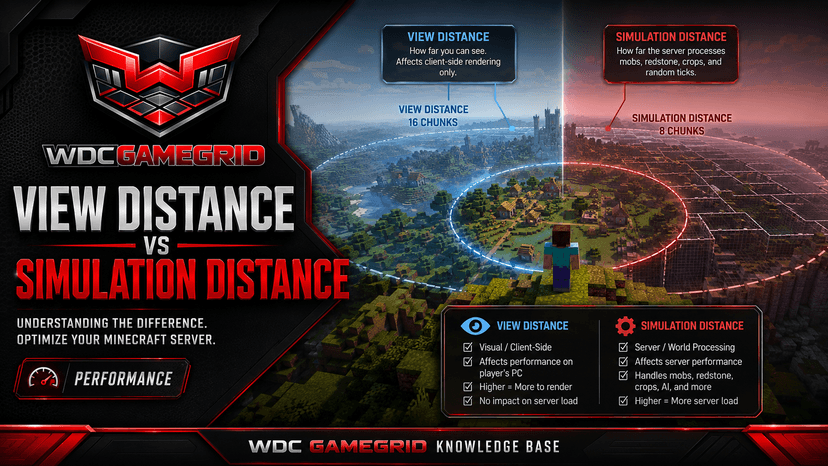
View Distance vs Simulation Distance
Two critical performance settings - what they do, how they differ, and recommended values.
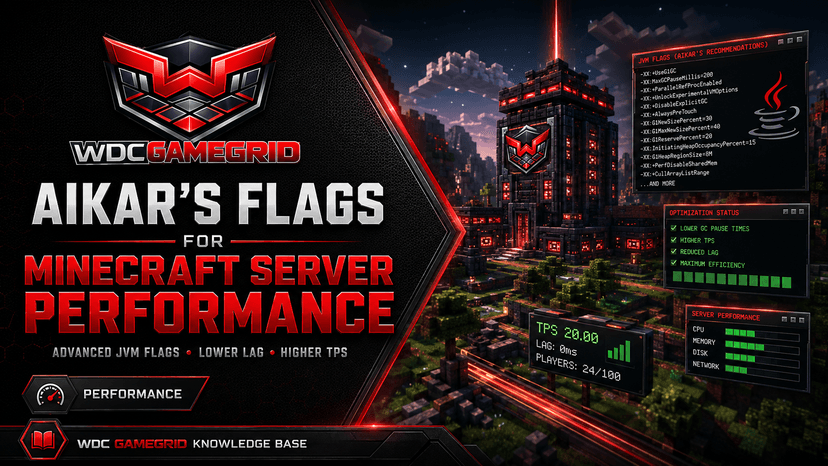
Aikar's Flags for Minecraft Server Performance
What Aikar's Flags are, what GameGrid already launches your server with, the one flag you must not add here, and where you can add your own.
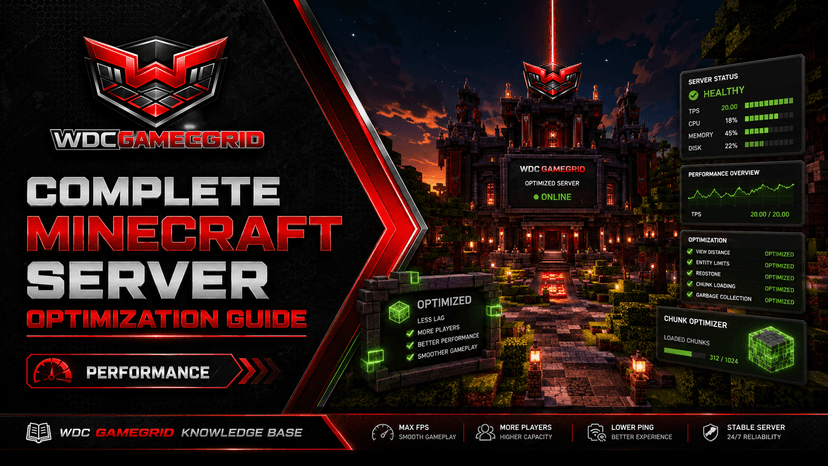
Minecraft Server Performance & Optimization Guide
Reduce lag with view distance, simulation distance and - on Paper - config tuning, and understand what the platform already handles.
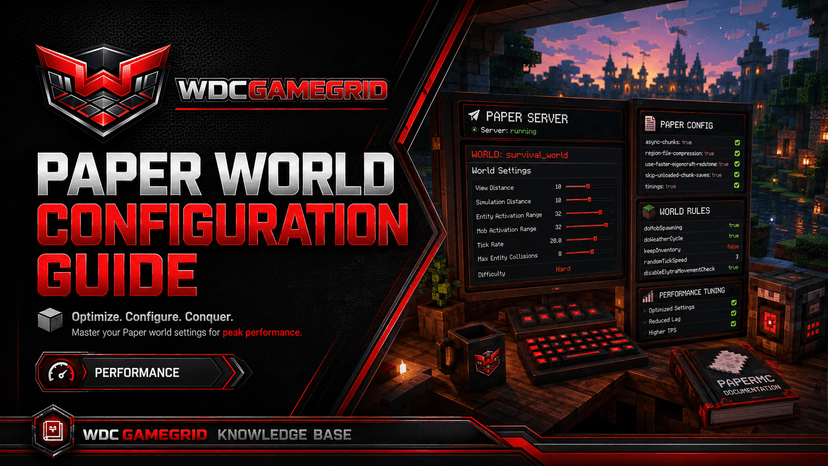
Paper World Configuration Guide
Understand Paper's split config system and the most important optimization settings.
Backups and Worlds
Economy and Live Map
Minecraft Economy and Item Delivery
A currency and shop on any of the five Minecraft server types, with no mod and no plugin: namespaced item ids, RCON delivery, and delivery that is checked rather than assumed.
Minecraft Live Map
A top-down map of your world drawn from its own region files, with live player positions, spawn and world border, on any of the five server types and with nothing installed in your server.
Metrics
Troubleshooting
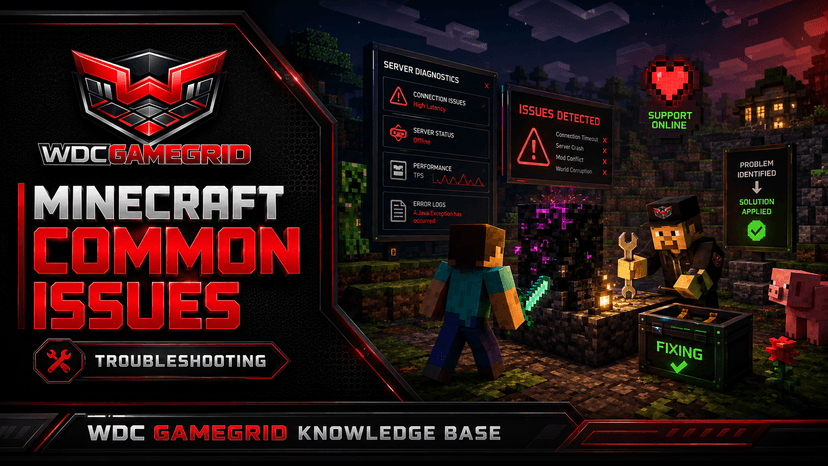
Minecraft Common Issues
Fixes for connection errors, world corruption, plugin conflicts, and performance problems.
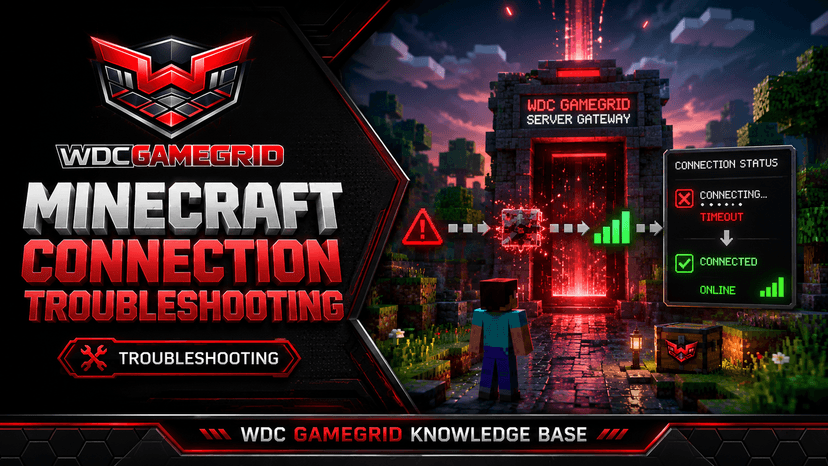
Minecraft Connection Troubleshooting
Systematic fixes for connection timed out, refused, server not showing, and auth errors.
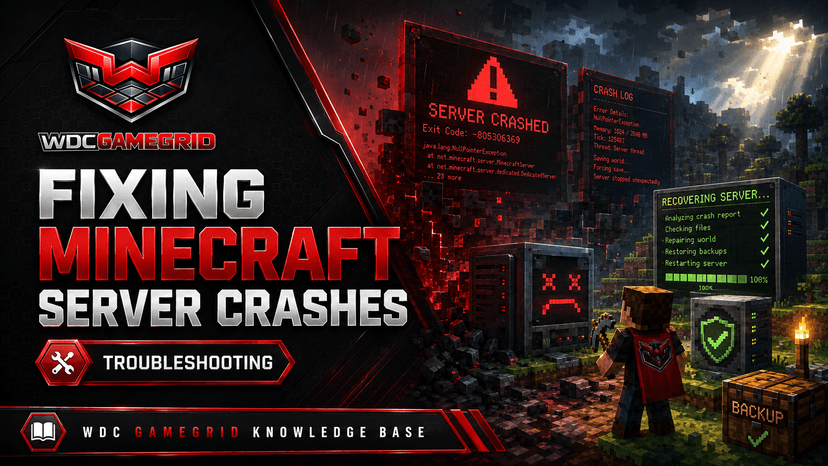
Fixing Minecraft Server Crashes
The five most common causes of a Minecraft server crash, and what you can actually do about each one here.
Minecraft Server Won't Start - Troubleshooting
The five most common reasons a Minecraft server fails to start, and what to do about each on GameGrid.
How to Update Your Minecraft Server
Where Minecraft updates happen on GameGrid, what the platform does during one, and how to run your own jar instead.
Can You Downgrade a Minecraft Server?
Why downgrading a Minecraft world is dangerous and what to do instead.
Other Game Knowledge Bases



Need Help with Your Minecraft Server?
Our support team knows Minecraft inside and out. Open a ticket for fast help.
Open a Support Ticket