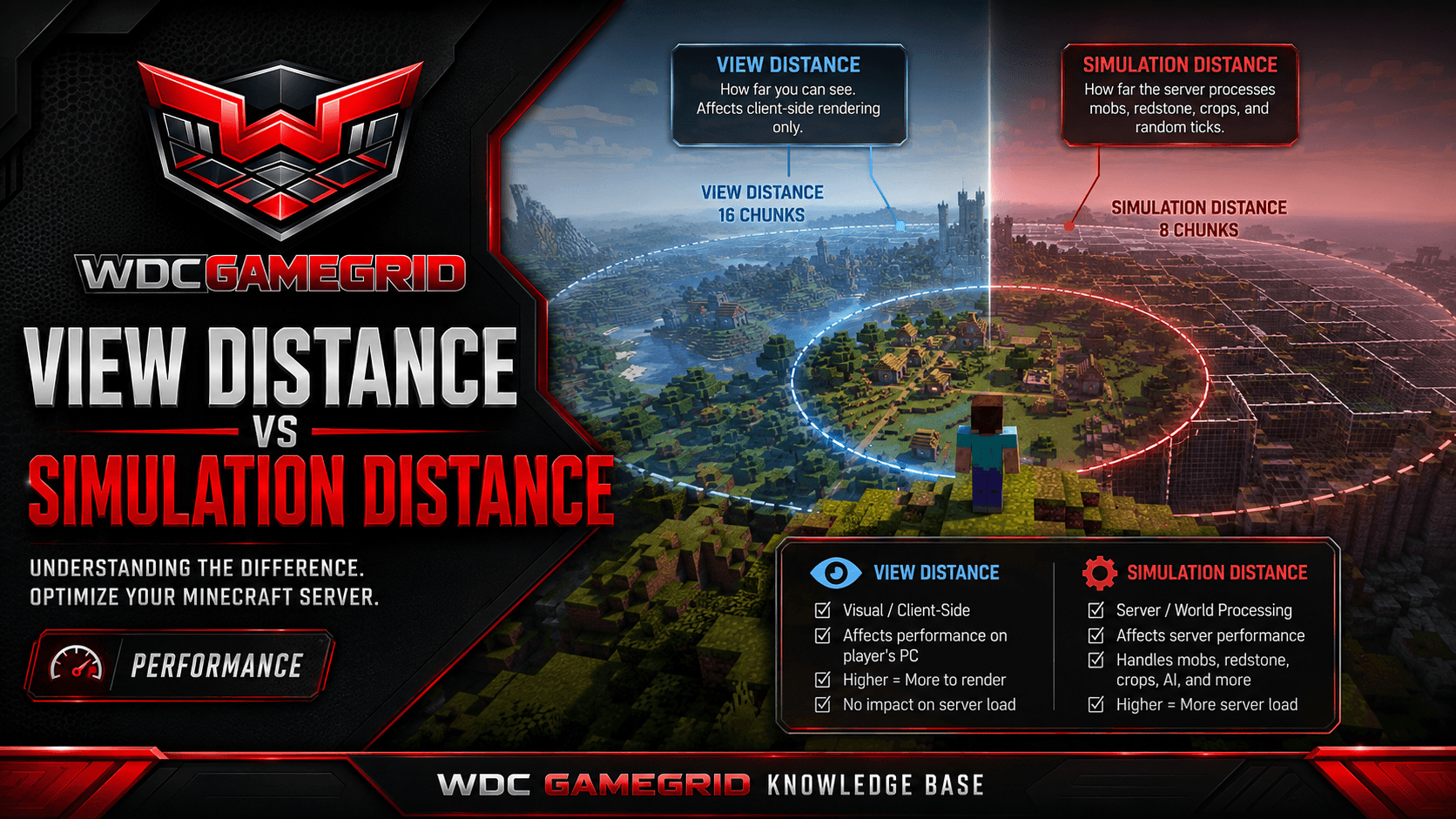
View Distance vs Simulation Distance
Two critical performance settings - what they do, how they differ, and recommended values.
What Each Does
view-distance controls how many chunks are sent to each client. It determines how far players can see. Default: 10 chunks. Range: 3-32. Higher values mean players see farther, but the server uses more memory and bandwidth.
simulation-distance controls how many chunks actually tick. Mobs spawn, crops grow, redstone works, furnaces smelt only within this distance of a player. Default: 10 chunks. Range: 3-32. Lowering this reduces CPU load more than lowering view-distance.
The relationship is squared. Going from 10 to 16 chunks loads nearly three times as many chunks (10x10=100 vs 16x16=256). Small increases have big performance impacts.
Why They're Separate
You can show players far chunks (high view-distance) without simulating them (low simulation-distance). This lets players see distant terrain without the server doing the expensive work of ticking all those chunks.
For example, view-distance=12 and simulation-distance=6 means players see 12 chunks out, but only the nearest 6 chunks have mob spawns, crop growth, and redstone activity.
Recommended Values
Busy servers (20+ players): view-distance=8, simulation-distance=6. Prioritizes tick rate over visibility.
Balanced (10-15 players): view-distance=12, simulation-distance=8. Good visibility with acceptable performance.
High RAM / few players: view-distance=10, simulation-distance=10. Default-like experience.
These are starting points. Watch your TPS - 20 is perfect, below 15 is lag players feel - and adjust.
To measure TPS you need a profiler. spark is a Bukkit plugin on Paper and a mod on Fabric, Forge and NeoForge; /spark tps is the command either way. Vanilla has no profiler, so use the Resource Usage card on the Overview tab and judge by how the server feels.
Gameplay Impact
Low simulation distance: Mobs won't spawn far from players. Mob farms and iron farms stop working if they're outside the simulation radius. Redstone contraptions freeze. Crops don't grow.
Low view distance: Players see less of the world. Distant terrain doesn't render. This is mostly a visual issue but can affect gameplay (you can't see approaching players or structures).
Client render distance: The client's render distance setting is capped by the server's view-distance. If the server sends 8 chunks, the client can't see more than 8 even if it's set to 32.
How to Change
Both are in the Settings tab under Performance. They are written into server.properties, which Minecraft reads at startup, so restart the server for a change to take effect.
There's no live command to change view-distance or simulation-distance. Plan your changes for when you can restart the server.