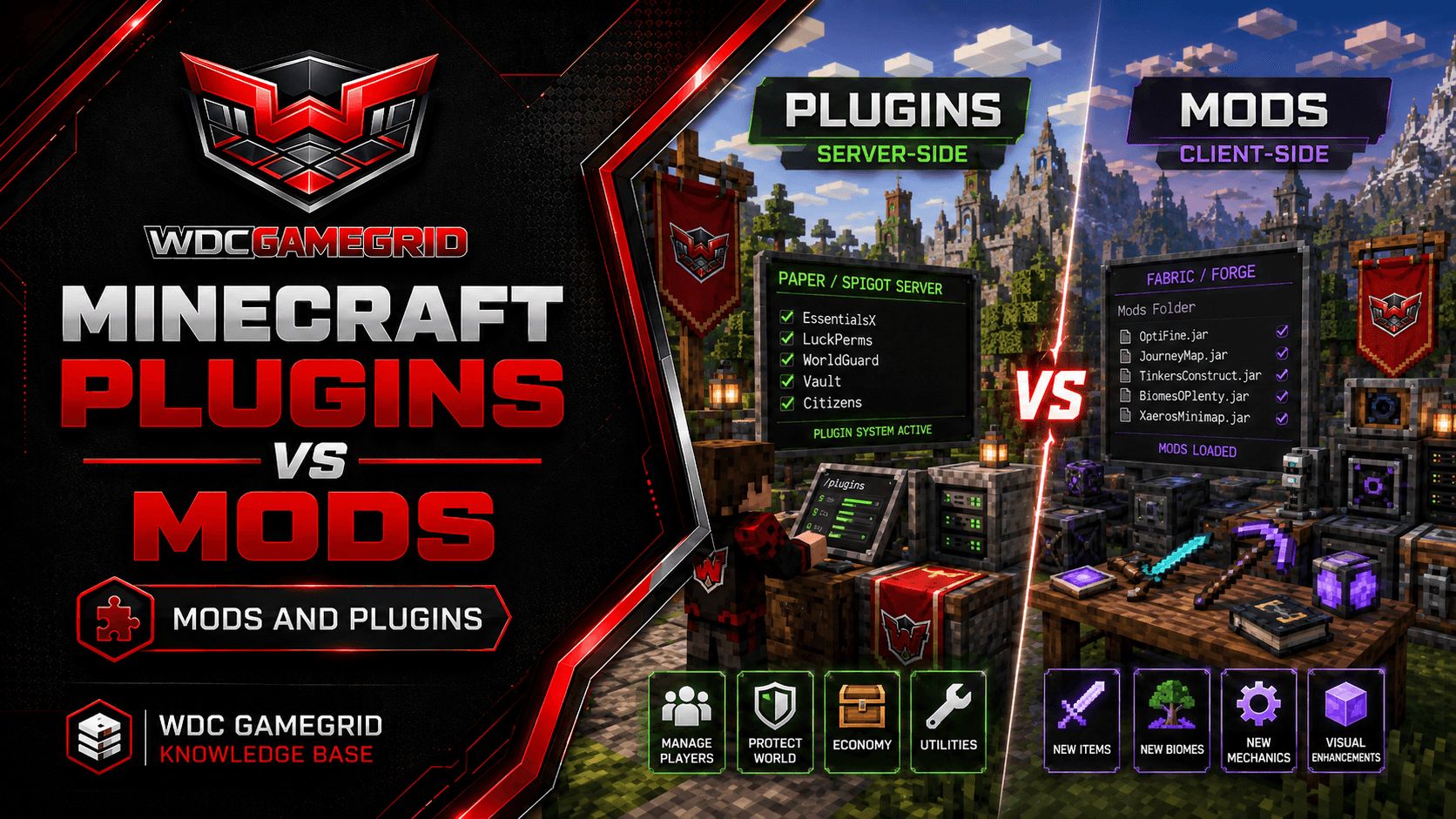
Choosing a Minecraft Server Type: Vanilla, Paper, Fabric, Forge or NeoForge
What each of the five Minecraft server types is for, which one to pick for what you want to build, and the mod-loader mistake that breaks more servers than anything else.
Pick by What You Want to Run
You choose the server type when you create the server, and it decides what add-ons the server can load. Everything else - the panel, the file manager, backups, the console - is the same on all five.
Plain survival, exactly as Mojang ships it, with nothing added: Vanilla.
Plugins - land claims, economy, ranks, minigames, anti-grief - with players joining on an unmodified client: Paper.
A modpack you found on CurseForge: whichever loader the pack lists. The pack decides this, not you. Most current packs list NeoForge; older ones list Forge; a smaller number list Fabric.
Performance and quality-of-life mods, or you want to be on a brand-new Minecraft version early: Fabric.
A big content modpack - new dimensions, machines, magic systems - on a current version: NeoForge.
An older pack that was never ported forward: Forge.
Still unsure? Start with Paper. It runs an ordinary vanilla world, it handles more players than Vanilla does, and nobody has to install anything to join. You can move the world to a modded type later.
The Five Types Compared
Vanilla - Loads: nothing. Add-on folder: none. Players install: nothing. Best for: unmodified survival and testing vanilla behaviour.
Paper - Loads: Bukkit/Spigot plugins. Add-on folder: plugins/. Players install: nothing. Best for: plugin servers, public servers, higher player counts.
Fabric - Loads: Fabric mods. Add-on folder: mods/. Players install: the Fabric loader plus any mod that changes the client. Best for: performance mods and fast updates to new Minecraft versions.
Forge - Loads: Forge mods. Add-on folder: mods/. Players install: the Forge loader plus the same mods. Best for: older modpacks that never moved to NeoForge.
NeoForge - Loads: NeoForge mods. Add-on folder: mods/. Players install: the NeoForge loader plus the same mods. Best for: current large content modpacks.
All five run Minecraft 26.2, which requires Java 25. GameGrid installs and selects Java for you - there is nothing for you or your players to install on the Java side.
No server type loads two kinds of add-on. Paper does not run mods. Fabric, Forge and NeoForge do not run Bukkit plugins. Vanilla runs neither.
Vanilla
The official Mojang server. It is the reference for how Minecraft behaves, and it is what every other type is measured against.
There is no mod or plugin loader, so there is nowhere for a .jar to load from. CurseForge is not offered for Vanilla in the Mods tab for exactly that reason, and a .jar dropped in via the file manager is simply ignored whatever folder you put it in.
Datapacks and resource packs still work on Vanilla - they are a Mojang feature, not a mod loader feature. If all you want is custom recipes, loot tables, advancements or a custom look, you may not need a different server type at all.
Choose Vanilla when you want the game unchanged and want the smallest possible number of moving parts.
Paper
Paper is a high-performance fork of the vanilla server that adds the Bukkit/Spigot plugin API. It reads the same world format as Vanilla, so a vanilla world moves onto Paper and back with no conversion.
Plugins run entirely on the server. Players connect with a stock Minecraft client and download nothing - this is the single biggest practical difference between Paper and the modded types.
Plugins go in plugins/, each with its own config folder underneath. Common ones: EssentialsX, LuckPerms, WorldEdit, Vault.
Paper also adds its own tuning files on top of server.properties, which is where most Minecraft performance work happens. See Paper Server Configuration.
What Paper cannot do is add new blocks, items, mobs or dimensions. Plugins work within what the vanilla client already knows how to draw. If you need genuinely new content, you need a mod loader.
Fabric
Fabric is a lightweight mod loader. It is deliberately small, and it is quick to support new Minecraft versions - if being on a new version early matters to you, Fabric is normally the way to get there.
Its mod ecosystem is smaller than the Forge/NeoForge one, and it leans towards performance and quality-of-life mods (Lithium, FerriteCore, Starlight) rather than sprawling content packs. There are large Fabric content packs, but there are fewer of them.
Most Fabric mods depend on a separate mod called Fabric API. It is not part of the loader - it is a mod you install alongside the others, and without it the majority of Fabric mods will not load. Install it first.
On GameGrid, selecting the Fabric server type installs the Fabric server launcher, which pulls the loader and the Minecraft files itself on first start. Mods go in mods/.
Forge and NeoForge
Forge is the original large-scale mod loader, and the one most long-running modpacks were built on. In 2023 the Forge community split, and NeoForge is the fork that most of the development moved to.
NeoForge is where the modern Forge-ecosystem mods are. If a mod or pack is actively maintained today, it most likely targets NeoForge. Forge is still offered here and still works - older packs target it and were never ported.
Both use the same mods/ folder and both keep mod settings under config/. Both are heavier than Fabric: bigger packs, longer start-up times, more RAM.
Do not pick between them yourself if you are installing a pack. Open the pack listing, read which loader and which loader version it names, and create that server type. A pack run on the wrong loader will not start.
Forge mods and NeoForge mods are also not interchangeable with each other. The split means a mod built for one will not load on the other, even though the folder and the file extension look identical.
The Mistake That Breaks Most Modded Servers
A Fabric mod will not run on NeoForge. A NeoForge mod will not run on Fabric. Neither will run on Forge, Paper or Vanilla. This is the most common reason a customer's modded server will not start, and it is worth being blunt about.
Every mod is a .jar file. They all look the same in the file manager, and nothing about the filename tells you which loader it was built for. A Fabric mod dropped into a NeoForge server's mods/ folder is not rejected politely - the server usually refuses to start, or starts and silently ignores the mod.
Where this bites: downloading from a mod page without reading the loader label, copying a mods/ folder from an old server of a different type, or following a guide written for a different loader.
How to avoid it: on the download page, filter by both the loader (Fabric / Forge / NeoForge) and your exact Minecraft version before you download anything. If the page offers no build for your loader, that mod does not exist for your server - look for an equivalent instead of trying the wrong file.
The in-panel marketplace on the Mods tab does most of this filtering for you: its CurseForge and Modrinth tabs (and Hangar on Paper) show only builds for your server's loader. Its Nexus Mods tab is not filtered by loader, so read the loader label there as you would on any download page. Manual uploads through the file manager are not checked - that is where the mistake usually enters.
If a server stops starting right after you added mods, the mod you just added is the first suspect. Open the Console tab, read the top of the error, and remove that mod from mods/. See How to Install Fabric Mods and How to Install Forge and NeoForge Mods.
What Every Type Includes
The server type changes what add-ons load. It does not change what you get from the platform. All five come with:
The full file manager plus FTP access, so you can reach every file on the server either from the browser or from a desktop FTP client.
The live Console tab, which is where mod and plugin errors actually show up.
Automatic daily backups, restorable from the Backups tab.
DDoS protection and instant deployment.
A Settings tab that edits server.properties through a form, so difficulty, game mode, whitelist, view distance and the rest are set without hand-editing a text file.
Java is handled by the platform on all five types. You do not install or select a JDK, and neither do your players.
Changing Type Later
The server type is fixed for the life of a server - there is no in-place switch. To change, create a new server of the type you want and copy your world folder across with the File Manager, or restore a backup into the new server.
A vanilla world moves cleanly between Vanilla and Paper in either direction. Both use the same world format and neither adds blocks the other cannot read.
A modded world does not move cleanly onto Vanilla or Paper. Blocks and items from mods are not in the vanilla game, so they disappear or turn into errors when the world loads without the mods that created them.
Moving a modded world between loaders - Fabric to NeoForge, say - has the same problem for the same reason, because the mods themselves cannot come with it.
Take a backup before any of this. See Minecraft World Backup and Restore.