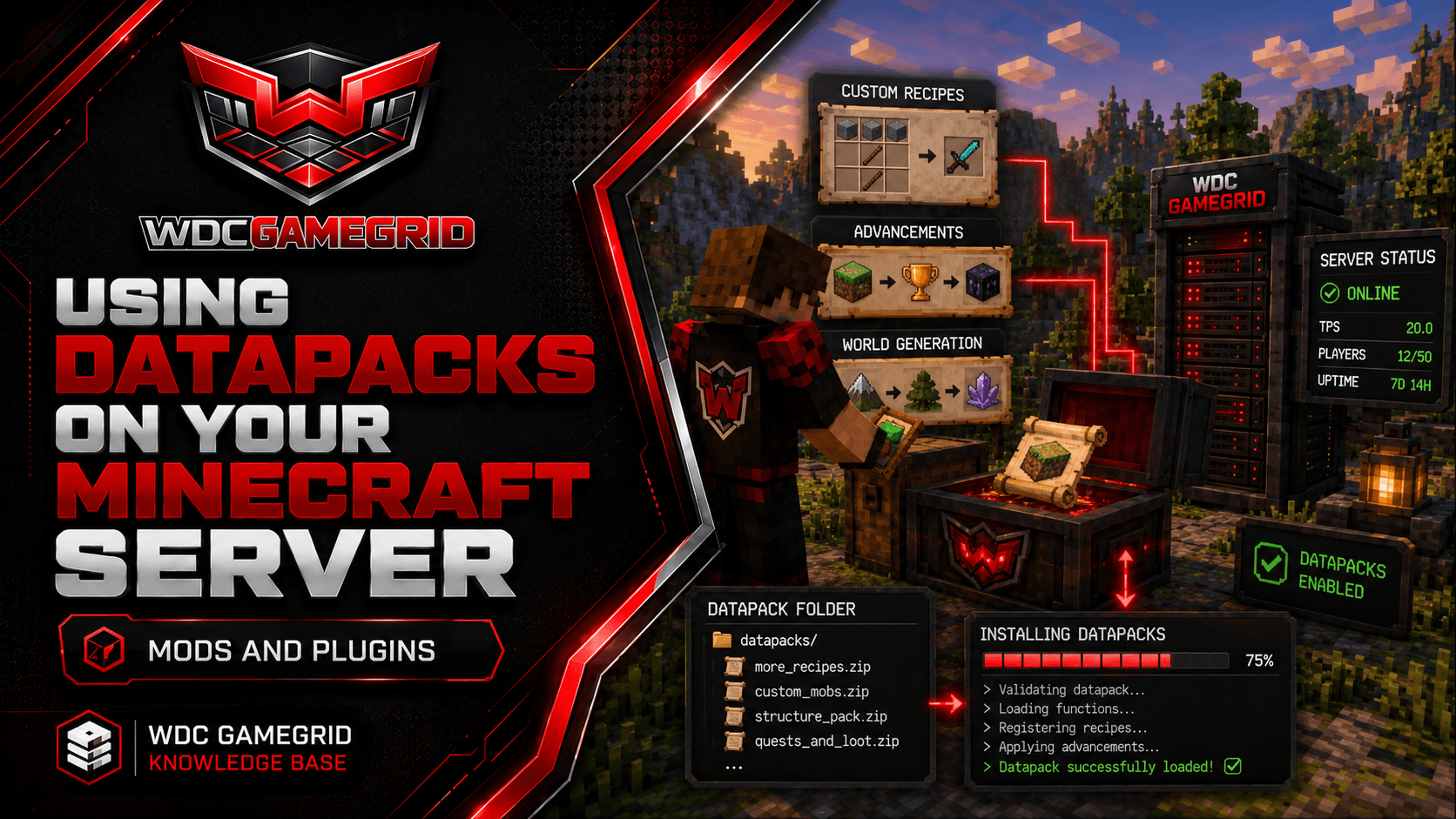
Using Datapacks on Your Minecraft Server
Add custom recipes, advancements, and world generation without mods or plugins.
What Are Datapacks?
Datapacks are server-side customizations that don't require any client installation. They can add or modify recipes, advancements, loot tables, structures, world generation, and more.
Unlike plugins (Paper only) or mods (Fabric, Forge or NeoForge only), datapacks work on all five server types GameGrid offers, including Vanilla. They are a Mojang feature, not a loader feature.
Players don't need to install anything - the datapack runs entirely on the server. This makes them ideal for customizing gameplay without requiring players to modify their clients.
Installing Datapacks
1. Download the datapack (usually a .zip file or a folder).
2. Stop the server (or at least make sure no players are in the target world).
3. Upload the datapack to <level-name>/datapacks/ using the Files tab - that is world/datapacks/ unless you changed level-name in Settings. Create the datapacks folder if it is not there.
4. Start the server. The datapack loads automatically on world load.
5. If the server is already running, type /reload to load the datapack without restarting.
To verify: /datapack list shows all loaded datapacks. If yours appears, it's installed correctly.
Managing Datapacks
/datapack list - Lists all installed datapacks with their enable/disable status.
/datapack enable [name] - Enables a disabled datapack.
/datapack disable [name] - Disables a datapack without removing it.
/reload - Reloads all datapacks. Use this after adding, removing, or modifying datapack files.
To remove a datapack: delete its folder or .zip from <level-name>/datapacks/ and run /reload.
Datapacks live inside the world folder, so they are included in your backups and they travel with a world restore.
Common Datapack Types
Custom recipes: Add or modify crafting recipes. Popular for servers that want custom items or simplified crafting.
Advancements: Create custom achievement trees. Good for RPG-style servers or community challenges.
Loot tables: Modify what mobs drop, what chests contain, or what fishing yields.
World generation: Add custom structures, biomes, or features. These require a new world or chunk regeneration to take effect.
Datapacks can be found on Planet Minecraft, Modrinth, and Vanilla Tweaks. Always verify they're compatible with your Minecraft version.