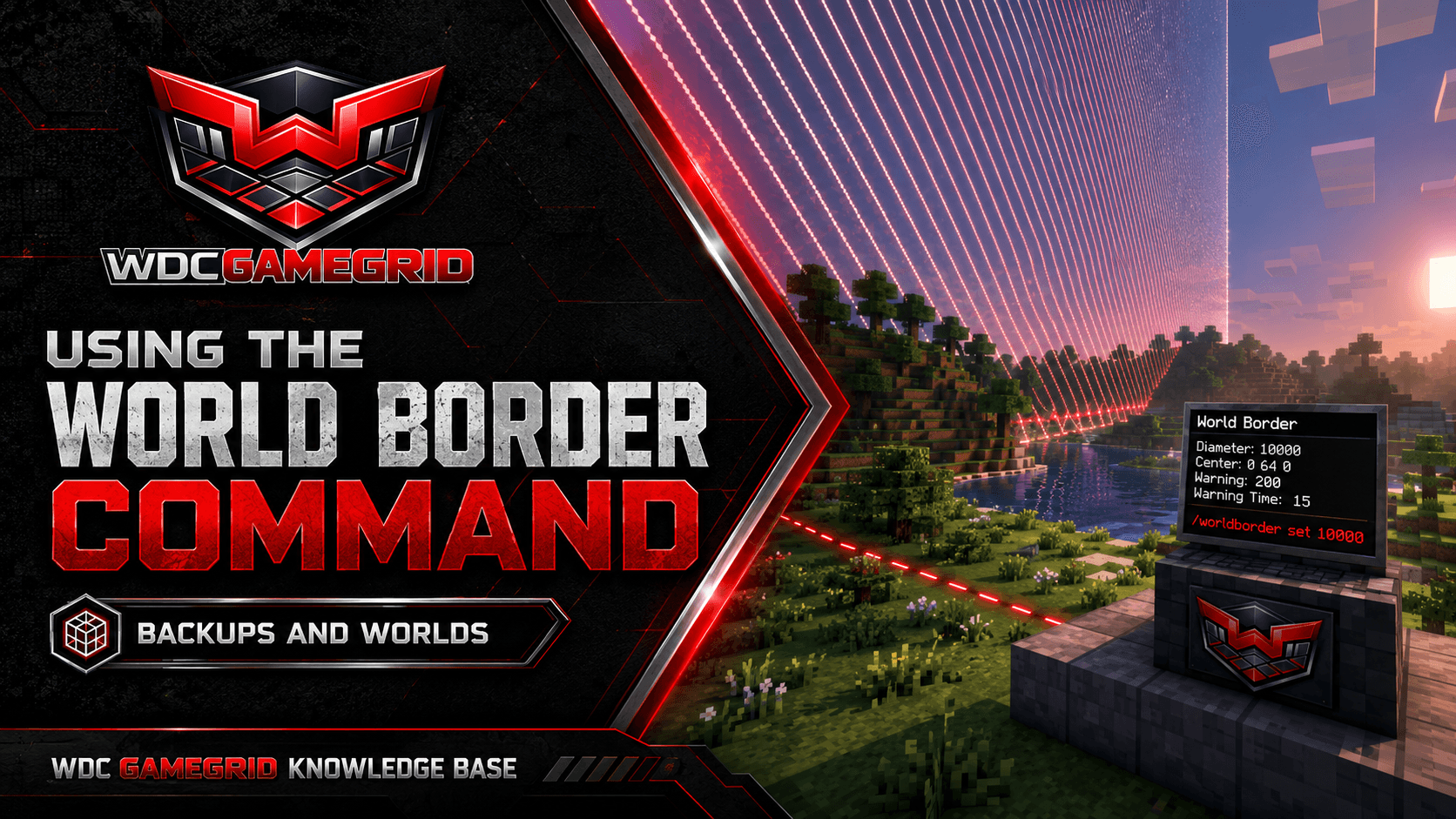
Using the World Border Command
Limit your world size, create event boundaries, and control world expansion with the world border.
Setting the World Border
/worldborder set [size] - Sets the border diameter in blocks. The border is square, centered on 0, 0 unless you move it with /worldborder center.
Example: /worldborder set 5000 creates a 5000 by 5000 block area. Players outside the border take damage and can't move further out.
/worldborder center [x] [z] - Sets the center of the border. Use this before setting the size if you want the border centered somewhere other than spawn.
/worldborder get - Shows the current border size.
Smoothly Changing the Border
/worldborder set [size] [time] - Changes the border over a specified time in seconds. The border smoothly grows or shrinks.
Example: /worldborder set 1000 60 shrinks the border to 1000 blocks over 60 seconds. Players see the border moving toward them.
/worldborder add [size] [time] - Adds to (or subtracts from with negative values) the current size over time.
Example: /worldborder add -1000 300 shrinks the border by 1000 blocks over 300 seconds.
This is great for events - slowly shrinking the border forces players toward the center.
Damage and Warning Settings
/worldborder damage amount [value] - Sets how much damage per block per second players take when outside the border. Default: 0.2.
/worldborder damage buffer [value] - Sets how many blocks outside the border players can be before taking damage. Default: 5.
/worldborder warning distance [value] - Sets how many blocks from the border players see a red warning overlay. Default: 5.
/worldborder warning time [value] - Sets how many seconds before the border reaches a player they see a warning. Default: 15. Useful when the border is shrinking.
Important Notes
The size is the diameter, not the radius. A 5000-block border means 2500 blocks from center to edge in each direction.
The border is square, not circular. Players can walk to the corners.
World border is Java Edition only. Bedrock Edition doesn't have this feature without plugins.
Setting a world border is recommended for survival servers - it stops players generating endless new terrain, which is what quietly grows a world to tens of gigabytes and slows your backups down with it.
server.properties also has max-world-size (Settings tab, default 29999984), which is a hard ceiling applied at startup. Use /worldborder for day-to-day changes and max-world-size as the outer limit.
A border of 5000-10000 blocks is plenty for most survival servers. For modded servers with custom dimensions, you may want a larger border.