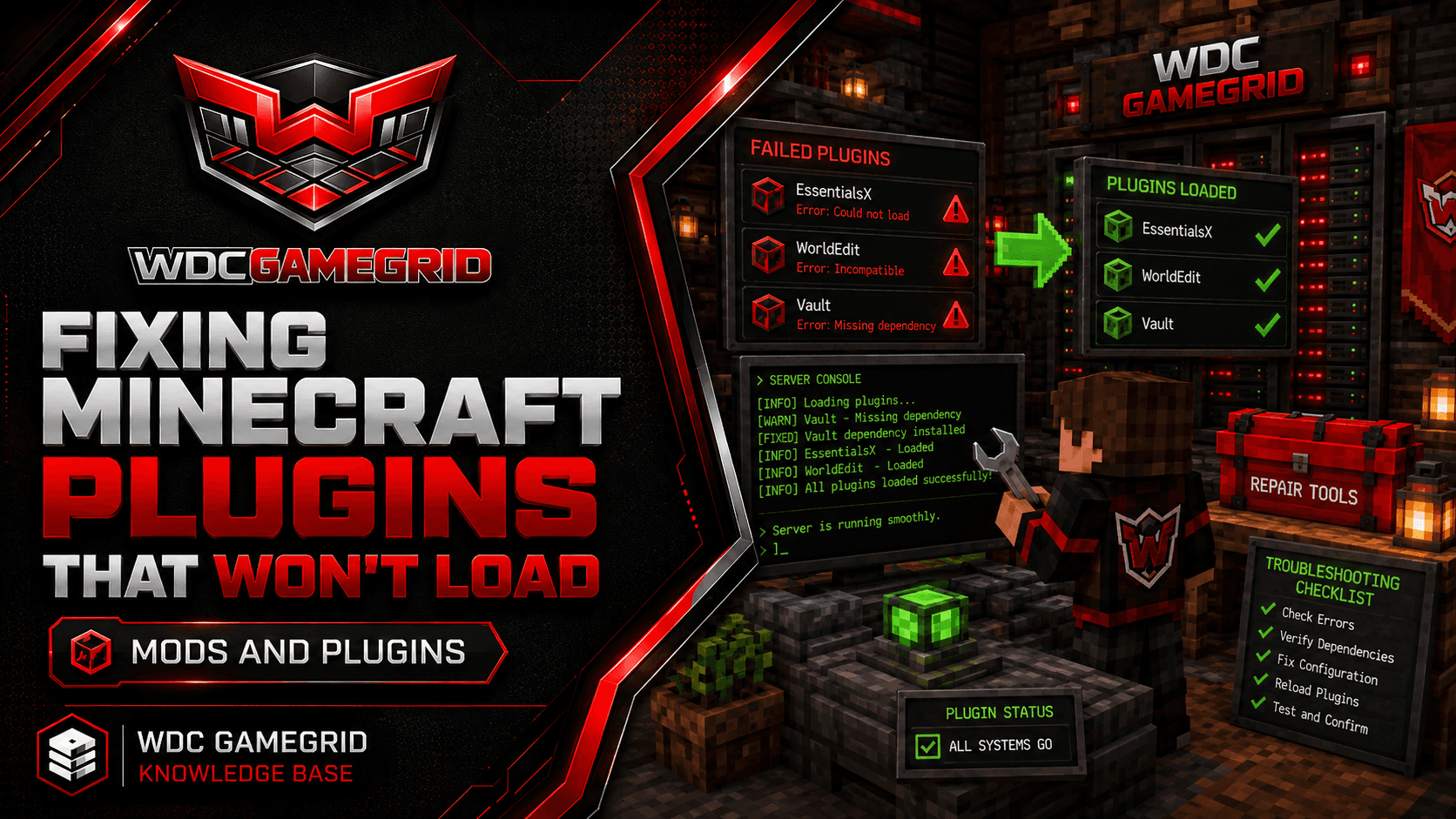
Fixing Minecraft Plugins That Won't Load
Diagnose and fix the most common plugin loading errors on Paper and Spigot servers.
Checking Plugin Status
Plugins only exist on Paper. On Vanilla, Fabric, Forge and NeoForge a plugins/ folder may be there, but the server never reads it, and a .jar placed in it is ignored - if that is your situation, see Choosing a Minecraft Server Type.
On Paper, type /plugins in game, or plugins in the Console tab. The output shows every installed plugin with its load status:
Green: Plugin loaded successfully.
Red: Plugin failed to load. Check the server log for the error.
If a plugin is red, it's not functioning - none of its commands or events are registered. Fix the error before relying on the plugin.
Common Error: Missing Dependency
Error: UnknownDependencyException. The plugin requires another plugin that isn't installed.
Common dependencies: Vault (economy/permissions API), ProtocolLib (packet manipulation), PlaceholderAPI (placeholder variables).
Fix: Read the plugin's documentation to find required dependencies. Download and install them in the plugins/ folder, then restart.
Never use the /reload command to test dependency fixes. It doesn't cleanly reload all plugins and can cause false errors. Always stop and restart the server.
Common Error: Wrong Java Version
Error: UnsupportedClassVersionError. The plugin was compiled against a newer Java than the server is running.
GameGrid Minecraft servers run Minecraft 26.2 on Java 25, installed and selected by the platform. There is no Java version to choose here and nothing for you to change.
So this error means the plugin needs something newer than Java 25, which is rare. Check the plugin's page for a build that supports Java 25, or use an older release of the plugin.
Any guidance about Java 8, 17 or 21 servers is about older Minecraft versions and does not describe this platform.
Common Error: Incompatible API Version
Error: "Unsupported API version" or the plugin loads but doesn't function correctly.
The plugin was written for a different Minecraft/Paper API version. A plugin for Paper 1.20 may not work on Paper 1.21.
Fix: Update the plugin to a version that supports your Minecraft version. Check the plugin's Hangar/Modrinth/SpigotMC page for version compatibility.
If no compatible version exists, find an alternative plugin that does the same thing and supports your version.
Common Error: Not a Valid Plugin
Error: InvalidDescriptionException. The file you placed in plugins/ isn't a valid plugin JAR.
This usually means you downloaded a mod (Fabric, Forge or NeoForge) instead of a Bukkit plugin. Mods go in mods/ on a Fabric, Forge or NeoForge server; plugins go in plugins/ on Paper. They are not interchangeable, and a Paper server cannot load a mod at all.
It can also mean the JAR file is corrupted or incomplete. Re-download from the official source.
Check the file extension - some browsers rename .jar to .zip during download. Rename it back to .jar.